
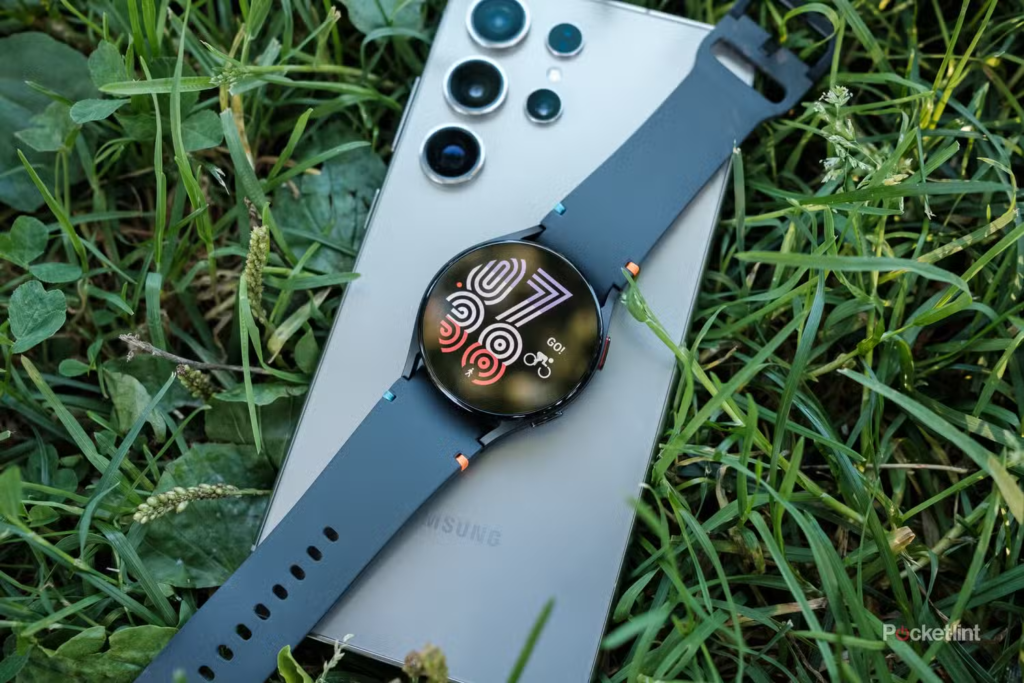
Smartwatches are highly useful tools until they stop holding a charge. If your Samsung Galaxy Watch used to last two full days but now struggles to stay powered on until dinnertime, you are likely dealing with a degraded battery. Smartwatch batteries are consumable parts. Over time, chemical aging means they lose their ability to hold power, leaving you tethered to a charger.
If you love your current watch and want to avoid spending hundreds of dollars on a brand-new upgrade, replacing the battery is a practical way to give your device a second life. This comprehensive guide breaks down the real-world costs of a Samsung Galaxy Watch battery replacement, details your available repair paths, and highlights critical factors to consider before spending your money.
General Cost Overview: What to Expect
The cost to replace a Samsung Galaxy Watch battery generally ranges from $15 to $130. The final price depends on the specific model you own and the repair method you choose.
The table below outlines the average costs across the three primary service options:
| Repair Method | Average Cost (USD) | What Is Included? |
| Official Samsung Service | $70 – $130 | Genuine Samsung battery, professional technician labor, factory-grade water-resistance testing, and a repair warranty. |
| Independent Repair Shop | $50 – $90 | OEM-grade or third-party battery, local technician labor, and a limited store warranty. |
| DIY (Do It Yourself) | $15 – $40 | Replacement battery component, basic opening tools, and adhesive strips. You supply the labor. |
Factors That Impact the Total Cost
Not every Samsung wearable is built the same way. A few specific elements will push your repair invoice up or down.
The $0 Secret To Launching Your Entire Online Empire
Why pay hundreds every month for separate software? Build funnels, send emails, and make sales with Systeme.io completely free.
Get Started For $0Free Forever • No Credit Card Needed • Beginner-Friendly
The Model and Generation
Older wearables like the Galaxy Watch Active 2 or the Galaxy Watch 3 are simpler to fix. Their replacement parts are widely available in the supply chain, and the internal design is straightforward.
Newer, premium iterations like the Galaxy Watch 6, Galaxy Watch 7, and the heavy-duty Galaxy Watch Ultra cost more to service. These devices pack larger battery capacities (such as the 590mAh cell inside the Ultra) and feature more complex sensor layouts. Technicians must work slower and use extra care to avoid damaging the advanced components inside.
LTE vs. Bluetooth Models
If your watch features LTE connectivity for standalone cellular data, its internal layout includes extra antennas and delicate logic board connections. While the raw price of the replacement battery is roughly identical to the Bluetooth-only version, independent repair shops sometimes add a small labor premium because navigating around these extra components requires more bench time.
Water-Resistance Restoration
A massive portion of professional repair fees goes toward specialized adhesives and sealing materials. When a watch case is separated, the original factory seal that prevents water and dust from destroying the main board is ruined. Reapplying a high-quality, professional-grade adhesive seal takes time and exact positioning. Cheaper repair operations frequently use low-grade glue or skip proper surface preparation entirely to save money, which compromises the watch’s water safety.
Looking Deeply at Your Three Repair Options
Choosing the right path requires balancing your budget against the level of risk you are willing to take. Let’s analyze each method in detail.
1. Official Samsung Authorized Service
For the safest and most reliable results, utilizing Samsung directly or an authorized repair partner like uBreakiFix is the best path.
Paying the official premium gives you several distinct advantages. The technicians use specialized heating blocks and suction tools designed specifically for wearables, ensuring the outer watch casing is not scratched or bent during disassembly. They only install genuine Samsung batteries that perfectly match the original voltage and safety specifications.
Crucially, authorized centers have access to pressurized testing equipment. After sealing the watch case, they run a post-repair diagnostic to verify that the device meets its original water-resistance standards. If you swim or track water sports with your watch, this is the only logical choice. Expect to pay closer to the $70 to $130 range depending on whether you visit a physical store or use an official mail-in depot.
2. Independent Repair Shops
Local electronic repair shops serve as an excellent middle ground if you want to save money and avoid losing your watch to a mail-in center for a week. Many independent businesses can execute a battery swap in under two hours.
However, you must vet the shop before handing over your device. Ask the technician if they use OEM-grade parts or cheap generic batteries. Substandard batteries often degrade quickly or suffer from erratic power delivery, causing the watch to freeze.
You should also confirm their warranty terms. A trustworthy local business will offer at least a 90-day warranty on both the part and the labor. Keep in mind that most independent shops do not possess the precise machinery required to guarantee factory-level water resistance. They will apply fresh adhesive, but you should treat the watch as splash-proof rather than completely waterproof moving forward.
3. DIY Battery Replacement
If you possess a steady hand and enjoy working with micro-electronics, you can source a battery replacement kit online for a fraction of the cost. These kits typically contain the replacement cell, adhesive strips, plastic prying tools, and specialized screwdrivers.
While this option saves the most money, it carries the highest risk. The inside of a Samsung Galaxy Watch is incredibly cramped. Depending on the model generation, you may need a specialized Tri-wing (Y00) screwdriver just to remove the backplate. Once inside, the battery is surrounded by tiny, brittle ribbon cables that connect the display, heart rate monitor, and motherboard. One slip of a metal tool can instantly slice a cable, permanently ruining the entire device. Additionally, a DIY repair completely removes any chance of maintaining reliable water resistance.
Signs Your Galaxy Watch Actually Needs a New Battery
Sometimes software bugs or unoptimized settings can cause temporary battery drain. Before spending money on a hardware fix, confirm that your watch exhibits these clear signs of physical battery degradation:
- Premature Shutdowns: If your watch reads 20% or 30% battery life and then suddenly drops to zero and shuts off completely, the battery cells can no longer maintain stable voltage under load.
- Severe Thermal Output: If the back of the watch gets uncomfortably hot while sitting on the wireless charger or during normal wear, the internal resistance of the battery has reached an unhealthy level.
- Rapid Depletion: If your device drops past half its total capacity within just a couple of hours of minimal use, the total battery health has fallen below its useful threshold.
- A Bulging Watch Case: This is a critical safety warning. If the back glass panel is visibly lifting or separating from the metal frame, the battery has swollen. Turn off the watch, do not place it back on a charger, and have it serviced immediately to prevent damage or safety hazards.
Practical Tips to Extend Your New Battery’s Lifespan
Once you invest in a fresh battery, practicing good charging habits will help maintain its health for years to come.
Send, Spend & Hold Money Worldwide Without Hidden Fees
Transfer money internationally at the real exchange rate and hold 40+ currencies in one account.
Open a Wise AccountMid-market rate • Fast transfers • 40+ currencies
Avoid Extreme Temperatures
Lithium-ion batteries suffer severe degradation when exposed to high heat or freezing conditions. Never leave your smartwatch sitting face-up on a hot car dashboard, and avoid wearing it inside saunas or steam rooms.
Tweak Your Settings
You do not need to disable every smart feature, but minor adjustments can drastically reduce unnecessary charge cycles. Consider turning off the Always-On Display (AOD) and setting the screen to wake only on a wrist raise or screen tap. You can also change the heart rate sensor tracking frequency from “Continuous” to “Every 10 minutes while still” to alleviate constant background drain.
Manage Notifications
Every time your watch vibrates to alert you about a non-essential email, game notification, or social media like, the vibration motor and screen use power. Access the wearable app on your phone and disable notifications for everything except your absolute essential communication apps.
Frequently Asked Questions
Does replacing the battery void the Samsung warranty?
If your smartwatch is still within its original factory warranty window, opening the case yourself or allowing an unauthorized third-party shop to handle the repair will void your remaining coverage. If your watch is older and out of warranty, you can choose any repair route without consequence.
Can I still wear my watch in the shower after a battery change?
If the repair is handled by Samsung or an authorized service provider who runs a certified pressure check, you can continue using the watch around water as normal. If you complete a DIY fix or use a standard local repair shop, you should avoid submerging the watch or exposing it to heavy streams of water.
How many years do Galaxy Watch batteries normally last?
Under standard daily use conditions, a Galaxy Watch battery retains optimal performance for roughly two to three years. This equates to about 300 to 500 complete charge cycles, after which the physical capacity drops below 80% of its original state.
Conclusion
Replacing the battery in your Samsung Galaxy Watch is an effective, budget-friendly way to prolong the life of your wearable without buying an expensive new upgrade.
Sourcing an official repair preserves your water resistance and ensures the use of authentic parts, while independent shops and DIY kits provide excellent savings for those willing to accept a few trade-offs regarding water exposure.
Examine the current performance and age of your wearable to see if a battery swap is the most logical path forward for your daily routine.
What option sounds best for your budget, and do you plan on taking your watch to a certified technician or attempting a manual fix? Let me know your thoughts in the comments section below.
The $0 Secret To Launching Your Entire Online Empire
Why pay hundreds every month for separate software? Build funnels, send emails, and make sales with Systeme.io completely free.
Get Started For $0Free Forever • No Credit Card Needed • Beginner-Friendly
