
For years, choosing a web browser was simple. If you bought an iPhone or a Mac, you stuck with Safari. If you used Windows or Android, you downloaded Google Chrome. The choice was mostly about convenience, and the tech giants fought over who could get you to use their search engine.
But the internet has changed. Today, the real battle isn’t about search bars. It is about how much control you have over your own data, how fast your laptop battery dies, and how much clutter you have to look at while trying to read an article.
Chrome is infamous for eating up computer memory and slowing things down. Meanwhile, Safari keeps you locked entirely into the Apple ecosystem.
Fortunately, a new wave of browsers has arrived. They focus on privacy, speed, and clean designs that make the internet feel fun again. Here is a look at why the browser wars shifted, and the top alternatives you should try today.
Why the Browser Wars Changed
In the early days of the internet, companies fought over browsers because they wanted to control your default search engine. If you typed a question into the address bar, Google or Microsoft wanted to be the one answering it, because search ads make billions of dollars.
The $0 Secret To Launching Your Entire Online Empire
Why pay hundreds every month for separate software? Build funnels, send emails, and make sales with Systeme.io completely free.
Get Started For $0Free Forever • No Credit Card Needed • Beginner-Friendly
That is no longer the main issue. Almost everyone knows how to find Google if they want it. Instead, the focus has shifted to privacy, artificial intelligence, and productivity.
Browsers now dictate how much of your daily life is tracked by advertisers. They determine if websites can follow you from tab to tab to show you creepy, hyper-targeted ads for a pair of shoes you looked at once. They also control how much energy your device uses. Many people are realizing that the default options are no longer serving them well, leading them to look for tools built for the modern web.
The Best Alternatives to Keep You Safe and Productive
If you are ready to move away from Chrome and Safari, you have some incredible options. Each of these browsers excels in a specific area, so you can pick the one that fits your exact daily routine.
1. Brave: The Best for Privacy Lovers
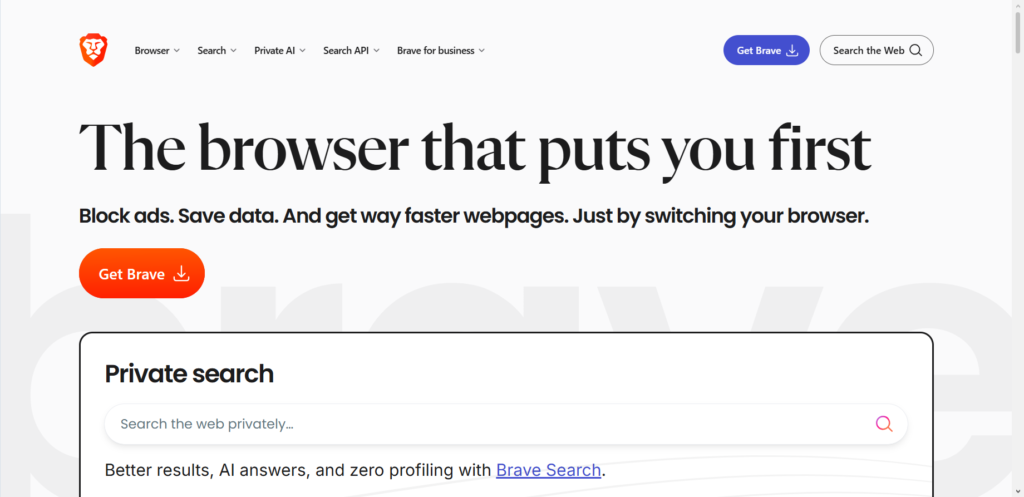
If you hate seeing ads everywhere you look, Brave is the easiest switch you can make. It is built on the same underlying technology as Google Chrome, which means every single website will load exactly the same way, and you can even keep using your favorite Chrome extensions.
However, Brave behaves very differently out of the box. It automatically blocks all creepy ads, pop-ups, and trackers the second you install it.
- Why it beats Chrome: Chrome is owned by an advertising company, so it will never truly stop trackers. Brave stops them instantly, which actually makes websites load much faster because your computer does not have to download massive ad files.
- Why it beats Safari: Safari has good privacy tools, but it is only available on Apple devices. Brave works beautifully on Windows, Android, Mac, and iOS, allowing you to sync your data across everything.
Brave also shows you a running tally on your new tab page of how many trackers it has blocked and how much estimated time and cellular data you have saved. It is a satisfying reminder that you are taking control back from advertisers.
2. Arc: The Best for Organization and Clean Design
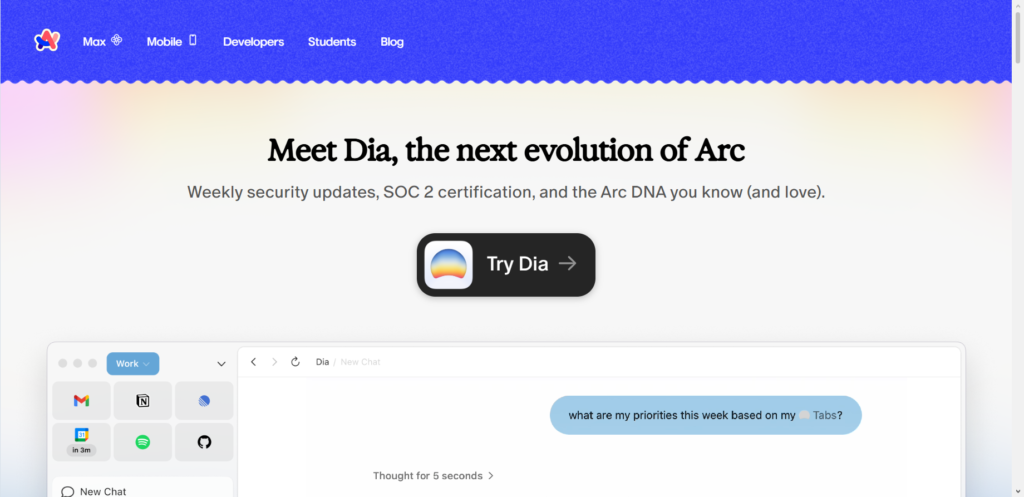
Created by The Browser Company, Arc is a total rethink of what a web browser should look like. Most browsers have looked the same since the late 1990s, featuring a big bar at the top with a row of tiny tabs that get smaller and smaller until you cannot read the titles anymore.
Arc throws that design out the window. It moves your tabs to a sidebar on the left side of the screen.
- Spaces and Profiles: Arc allows you to create separate areas for different parts of your life. You can have a “Work” space with your spreadsheets and office emails, and a “Personal” space for streaming sites and online shopping. The tabs stay completely separate, so you never accidentally open a work link in your personal time.
- Preview Features: You can hover over links to see a small preview of the page without actually opening a new tab. This prevents you from cluttering your sidebar with pages you only need to look at for five seconds.
Arc feels modern and fresh. If you are tired of having fifty open tabs that you cannot sort through, Arc offers a powerful way to organize your digital life.
3. Firefox: The Best Independent Option
Mozilla Firefox is the old guard of the internet, but it remains one of the most important tools available today. Unlike Chrome, Edge, and Brave, Firefox does not rely on Google’s underlying web engine. It uses its own completely independent technology.
- Why independence matters: When one company controls the rules of how the internet displays pages, they can change the rules to benefit themselves. Firefox acts as a check on Google’s power.
- Customization: Firefox is incredibly flexible. You can change the theme, move the buttons around, and install powerful privacy extensions like uBlock Origin without worrying about the browser blocking them.
Firefox also includes a feature called Facebook Container. It isolates your Facebook activity from the rest of your web browsing, stopping the social media giant from tracking where you go when you leave their platform.
4. Vivaldi: The Best for Power Users
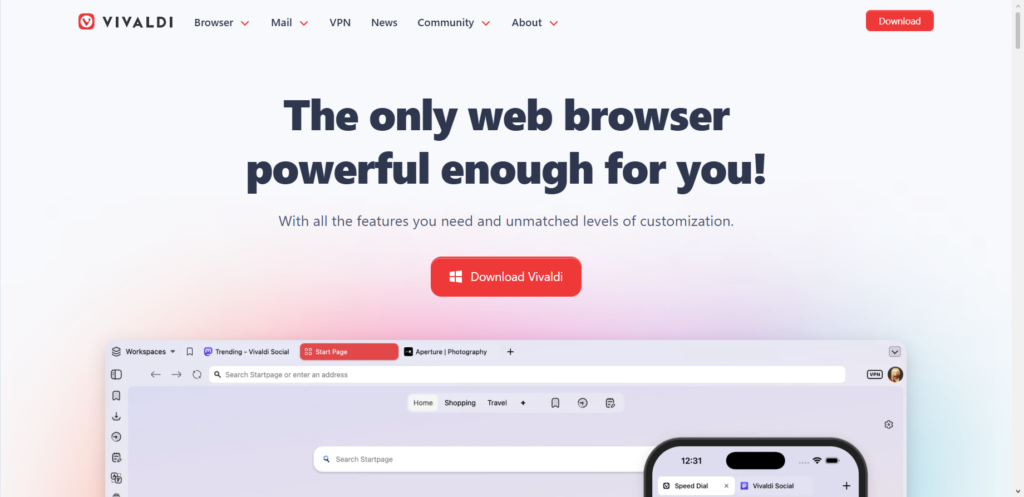
If you love tweaking settings and want your browser to work exactly the way your brain works, Vivaldi is the ultimate tool. Created by one of the founders of the classic Opera browser, Vivaldi lets you customize every single pixel.
- Tab Stacking: Vivaldi allows you to group tabs on top of each other. If you are researching a vacation, you can stack all the hotel tabs together into one single folder on your screen.
- Split Screen View: You can view multiple websites side-by-side inside the exact same window. This is perfect for writing a document on one side while reading a source article on the other side.
Vivaldi can look a bit overwhelming at first because it has so many features, but it is perfect for anyone who feels limited by the simplicity of Safari or Chrome.
How to Make the Switch Without the Headaches
People often avoid changing their browser because they worry about losing their saved passwords, history, and bookmarks. Tech companies want you to think it is hard to leave, but the process actually takes less than two minutes.
When you install a new browser like Brave or Arc, the very first screen will ask if you want to import your data. With a single click, the new browser will copy all your bookmarks, saved passwords, and history from Chrome or Safari. You will not have to manually log back into all your favorite websites.
Send, Spend & Hold Money Worldwide Without Hidden Fees
Transfer money internationally at the real exchange rate and hold 40+ currencies in one account.
Open a Wise AccountMid-market rate • Fast transfers • 40+ currencies
If you are worried about passwords, using a dedicated password manager like 1Password or Bitwarden is a great option. These tools store your login details independently, allowing you to access them securely from any browser or device you choose.
Finding the Right Fit for You
The browser is the most important app on your device. It is the window you use to see the entire digital world, so you should use a tool that respects your privacy and fits your workflow.
If you want absolute privacy without changing how you browse, download Brave. If you want a completely new, organized way to manage your tabs, give Arc a try. And if you believe in keeping the internet open and independent, Firefox deserves a spot on your desktop.
Don’t settle for the defaults just because they came pre-installed on your device. The web is much better when you choose your own adventure.
