
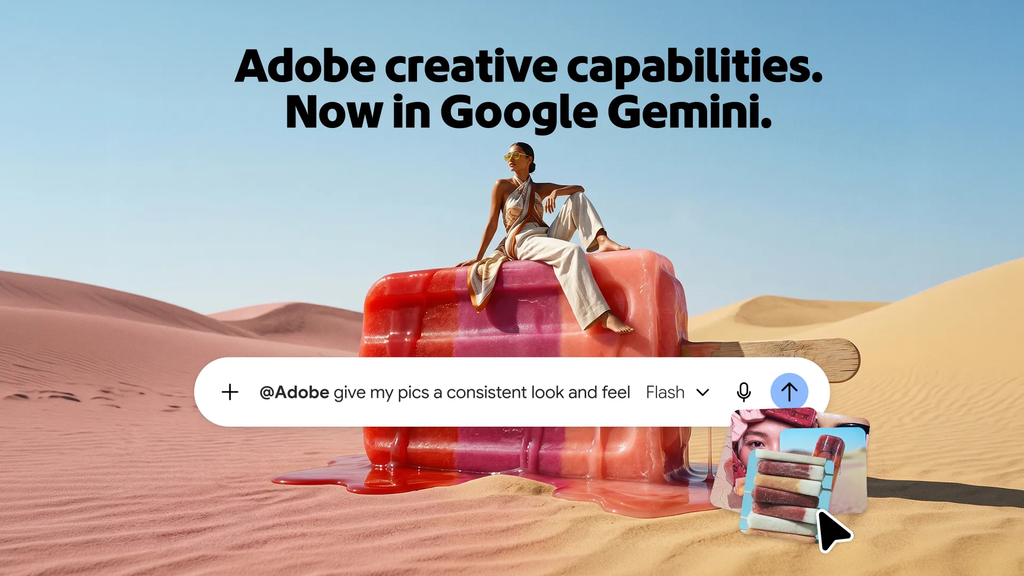
Adobe just made one of the biggest moves in digital design and document management. Professional creative software tools like Photoshop, Lightroom, Adobe Express, Firefly, and Acrobat are now available directly inside Google Gemini and Anthropic Claude.
Instead of launching heavy desktop programs, exporting files, and uploading them back and forth across different apps, you can complete full design and document projects inside your everyday AI chat box. You can ask Gemini to enhance photo lighting or instruct Claude to edit text inside a PDF contract with direct point-and-click controls.
This release brings pro-level creative tools to over one billion monthly AI users worldwide. According to Adobe’s official announcement, this expansion bridges the gap between typing simple text prompts and having precise manual control over your visual projects.
What Is Adobe in Google Gemini?
The new integration brings popular creative tools from Photoshop, Lightroom, Adobe Express, and Firefly straight into Google Gemini conversations.
When you start a chat in Gemini, you can upload images, ask questions, and describe the exact edits you want. Adobe tools work in the background to carry out your requests without sending you to another application.
The $0 Secret To Launching Your Entire Online Empire
Why pay hundreds every month for separate software? Build funnels, send emails, and make sales with Systeme.io completely free.
Get Started For $0Free Forever • No Credit Card Needed • Beginner-Friendly
Here is a closer look at what you can do using Adobe tools inside Google Gemini:
Clean Up and Polish Images
Upload product photos or personal portraits and ask Gemini to adjust lighting, smooth out color balance, crop scenes evenly, or erase unwanted background distractions. Lightroom and Photoshop engines handle the edits to deliver crisp, professional outputs every time.
Reformat Graphics for Social Channels
If you have a primary promo poster or banner design, you can ask Adobe inside Gemini to reformat it into multiple social media sizes. It creates vertical Instagram stories, square feed posts, landscape Facebook covers, and X banner sizes while preserving your exact brand fonts and color scheme.
Customize Marketing Campaign Templates
Describe your project idea, audience demographics, and visual style. Adobe Express surfaces matching professional templates inside Gemini, allowing you to adapt text, layouts, and imagery with basic text commands.
Generate Custom Imagery with Firefly
Use Adobe Firefly generative AI capabilities inside your Gemini chat thread. You can generate custom illustrations, visual concepts, and background textures designed specifically for commercial use.
Google controls a massive ecosystem across Search, Android, and Workspace applications. Adding Adobe capabilities to Gemini opens up high-end graphic editing to millions of users who have never used specialized software before.
Massive Plugin Upgrade for Anthropic Claude
While Gemini receives its initial Adobe integration, Anthropic Claude gets a major performance upgrade. The updated Adobe plugin for Claude now brings Acrobat document features alongside more than 80 professional tools across Creative Cloud applications.
You can now call upon capabilities from Photoshop, Illustrator, Premiere, Lightroom, InDesign, Acrobat, Adobe Express, and Adobe Stock inside a single Claude thread.
The biggest breakthrough in Claude is the introduction of hands-on interactive editing tools. In earlier AI plugins, if an AI generated or edited an image and got a small detail wrong, you had to type another prompt and hope the AI did not alter the rest of the image. Now, Claude offers interactive visual editors right inside the chat window.
Hands-On PDF and Graphic Editing in Claude
Working with PDFs and graphic designs inside Claude is now much more interactive and user-friendly.
When working with a PDF document in Claude, you no longer have to rely only on written instructions. You can open an interactive PDF editor directly inside your conversation to make pinpoint manual changes:
- Reorder, delete, combine, or split PDF pages in seconds.
- Edit existing body text and headings on the page without converting the document to another software.
- Highlight important sections, insert comments, and leave sticky notes for collaborators.
- Redact sensitive personal details or confidential figures before sharing files.
- Convert PDF files into Word documents, Excel spreadsheets, or high-resolution images.
Claude also introduces a feature called Document Review. You can ask Claude to analyze a lengthy PDF report or contract and offer feedback. Instead of returning only a text summary in chat, Claude places suggested edits, recommendations, and highlighted notes directly onto the PDF file inside the editor.
For graphic designs, the Adobe Express integration inside Claude gives you layer-based control. If you want to change a heading font or replace a background color, you can click on that specific element in the interactive editor and tweak it manually. You do not need to re-generate the entire visual asset from scratch.
Step-by-Step: How to Use Adobe Tools in Gemini
Getting started with Adobe in Gemini takes only a few simple steps. You do not need technical expertise to begin fixing photos and creating graphic assets.
Step 1: Access Gemini
Open your Google Gemini account on your desktop web browser or mobile app.
Send, Spend & Hold Money Worldwide Without Hidden Fees
Transfer money internationally at the real exchange rate and hold 40+ currencies in one account.
Open a Wise AccountMid-market rate • Fast transfers • 40+ currencies
Step 2: Upload Your File
Click the image attachment icon in the prompt bar and select the photo or image you wish to edit.
Step 3: Type Your Editing Request
Type a clear instruction describing what you want to achieve. For example, write: “Fix the brightness on this product picture, balance the colors, and make the background clean white for an online catalog.”
Step 4: Let Adobe Process the Request
Gemini hands off the image to Adobe tools behind the scenes. Within seconds, you receive a refined, professional-looking image.
Step 5: Save or Request More Formats
Download the finished image or request additional social media variations tailored for specific platforms.
Step-by-Step: How to Use the Adobe Plugin in Claude
Setting up the expanded Adobe plugin in Claude grants access to complete document management and creative asset creation.
Step 1: Open Claude
Log into your Anthropic Claude account on your computer or browser.
Step 2: Enable the Adobe Plugin
Navigate to the plugin menu or settings page and activate the Adobe plugin. If you used the older plugin version, Claude updates it automatically to the new experience.
Step 3: Attach Your Document or Image
Upload a PDF file, image asset, or design file into your conversation prompt box.
Step 4: Choose Interactive Editing
Type your prompt or click the interactive editor button that appears alongside your uploaded file.
Step 5: Refine and Download
Perform manual tweaks like adjusting text, rearranging PDF pages, or swapping colors, then export your completed file straight to your local storage.
The $0 Secret To Launching Your Entire Online Empire
Why pay hundreds every month for separate software? Build funnels, send emails, and make sales with Systeme.io completely free.
Get Started For $0Free Forever • No Credit Card Needed • Beginner-Friendly
Real-World Examples: How People Will Save Time Daily
These integrations eliminate hours of tedious tasks for different categories of users:
Online Store Owners
An e-commerce owner can photograph inventory on a phone, upload images into Gemini, clean up lighting, remove backgrounds, and generate consistent store listings in minutes without hiring an expensive photographer or spending hours learning complex photo editing skills.
Marketers and Social Media Managers
A marketing specialist can draft promotional text in Claude, upload a graphic template, adjust fonts and images interactively, and export formatted banners across five ad networks without leaving the chat interface.
Students and Academic Researchers
Students can upload long research papers into Claude, highlight vital citations, reorder document sections, convert pages into clean PDF summaries, and share them with study groups for quick feedback.
Freelancers and Business Operations
Freelancers can upload service contracts into Claude, trigger the Document Review feature to flag risky terms, make text edits directly on the PDF, and send signed files to clients quickly.
Understanding Access Tiers and Pricing
Adobe offers multiple access tiers so everyone can try these features regardless of subscription status:
Guest Access
People using Claude without signing into an Adobe account can access a selected set of basic tools with daily usage caps. This option works great for quick one-time edits.
Free Account Access
Anyone who logs in with a free Adobe account gains access to a broader selection of photo editing, document management, and template tools in Gemini and Claude.
Paid Creative Cloud Subscribers
Active subscribers who log into their paid Adobe Creative Cloud accounts unlock unlimited access to over 80 tools, maximum resolution exports, and premium features across both AI platforms.
Gemini users can access these capabilities across both free and paid Gemini tiers, giving everyday users a seamless way to test pro-level tools without paying upfront.
Why This Tech Shift Matters for the Future of Work
For decades, software providers forced users to open separate desktop applications for specific tasks. You opened Photoshop to edit images, Acrobat to review documents, and Premiere to work on video clips. Switching between different user interfaces caused friction and lost time.
This release represents a massive movement toward conversational interfaces. AI assistants like Gemini and Claude are becoming the central hub where users begin their workday and execute complex tasks.
By integrating its software engines into popular AI chatbots, Adobe makes sure its tools remain essential in modern work environments. Everyday users gain speed and simplicity, while Adobe reaches millions of potential customers who might never open complex desktop software on a daily basis.
Frequently Asked Questions
What Adobe applications are available inside Gemini?
Gemini includes tools from Photoshop, Lightroom, Adobe Express, and Firefly for photo cleanup, lighting adjustment, visual asset generation, and marketing template customization.
Do I need a paid Creative Cloud subscription to use these features?
No. Free users can access essential editing tools in both Gemini and Claude. However, connecting a paid Creative Cloud account unlocks full functionality and removes usage caps.
Can I edit PDF text directly inside Claude?
Yes. With the new interactive PDF editor inside Claude, you can edit text, reorder pages, add notes, highlight text, and convert file formats directly inside your chat thread.
Will my edited images lose quality when exported from AI chats?
No. Adobe handles file processing using its professional graphic engines, ensuring color accuracy, clean typography, and high resolution on finished downloads.
How does the Document Review skill work in Claude?
Claude reads your uploaded PDF and places recommendations, highlights, and annotations directly onto the file inside the interactive editor for you to inspect and approve.
Where can I find more tech news and stay connected with us?
You can discover more stories on our website through our About Us page or reach out directly via our Contact Us page.
You can also follow our social media profiles for breaking updates and viral stories on Instagram, Facebook, and X (formerly Twitter).
A Major Upgrade for Daily Productivity
The divide between chatting with AI and editing visual content is closing fast. Bringing Adobe tools into Google Gemini and Anthropic Claude makes creative and document workflows faster, easier, and available to everyone.
Whether you need to fix a product photo or polish a business agreement, you can now complete your entire project inside a single conversation thread. Try out these new features in your favorite AI assistant today to speed up your everyday tasks.
