

If there is one thing I have learned, it is this: Marketing is not supposed to feel like manual labor.
For a long time, I thought the “hustle” meant working 12-hour days, manually posting on social media, writing every single email by hand, and staring at spreadsheets until my eyes hurt.
But about two years ago, I realized I was burning out. I was spending so much time on the repetitive tasks that I had no energy left for the creative strategy that actually grows a business.
That is when I fully leaned into AI automation.
Today, I want to share the specific tools I use to automate the boring stuff. These are not just “cool” tools. These are the ones that help me (and my clients) save 10 to 15 hours a week.
Why AI Automation is a Game Changer for Marketers
Before we dive into the list, let’s be clear about what automation actually does. It does not replace you. It replaces the tasks you hate doing.
I used to spend my Monday mornings pulling reports from Google Analytics, Facebook Ads, and email platforms. I would copy the data, paste it into a slide deck, and send it to clients. That took two hours. Now, it takes five minutes.
The goal here is sustainability. You want to build a business that doesn’t require you to work every weekend. AI automation gives you that time back so you can focus on high-level strategy, creative content, and actually enjoying your life.
1. Jasper AI (For Content Creation)
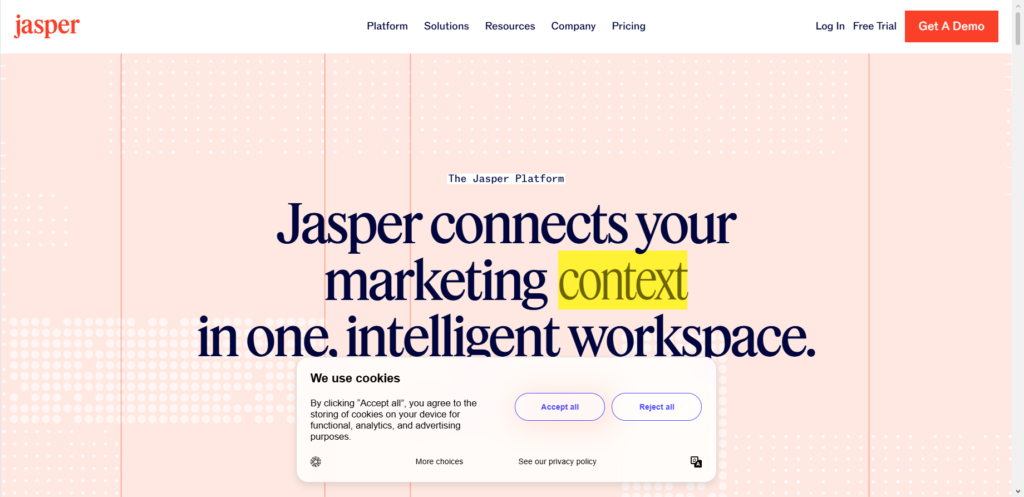
When I first started freelancing, writing was my biggest bottleneck. If a client wanted a blog post, a newsletter, and five social media captions, that was my entire day gone.
What it does: Jasper is a writing assistant. You give it a topic, a tone of voice, and a few keywords, and it generates drafts for blog posts, ads, emails, and social captions.
How I use it:
I never let Jasper write a final draft without my eyes on it. The mistake people make is thinking AI should do 100% of the work. I use it to do the first 70%. It gets rid of the “blank page” problem.
For example, when I am writing a blog post about SEO strategies, I ask Jasper to create an outline and write the first draft of the sections I find tedious (like the introduction or the technical steps). I then go in and add my personal stories, my specific examples, and my voice. The result is a post that sounds like me, but took half the time.
The practical tip: Train Jasper on your brand voice. Upload past emails or blogs so it learns how you speak. If you skip this step, the content will sound robotic.
2. Zapier (For Connecting Everything)
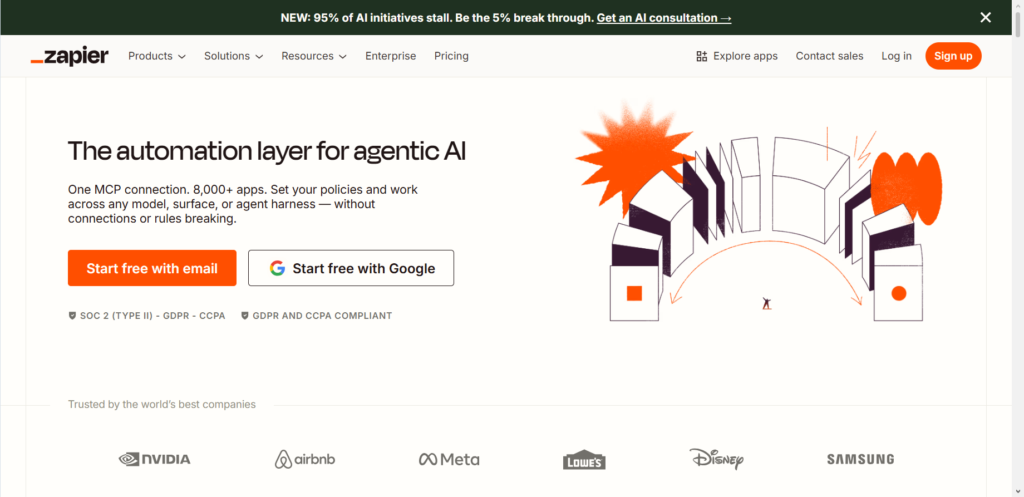
If I could only recommend one tool for automation, it would be Zapier. It is the glue that connects all your other tools together.
What it does: Zapier moves data between apps automatically. You create “Zaps” that say, “When this happens, do that.”
How I use it:
I use this constantly for lead management. Let’s say someone fills out a contact form on my website. Instead of me manually adding them to my email list, sending them a welcome email, and adding their details to a spreadsheet, Zapier does it all in seconds.
A real example from a client I worked with: They were a small eCommerce store manually entering customer addresses into a shipping portal every day. They were losing hours. I set up a Zapier automation so that every time a Shopify order came in, it automatically created a shipping label in their shipping software. It saved them 10 hours a week.
The challenge: Zapier has a learning curve. It looks technical, but it is just a set of “if this, then that” rules. Start small. Automate one small task first, like saving email attachments to Google Drive, before you try to build complex multi-step automations.
3. Canva Magic Studio (For Design)
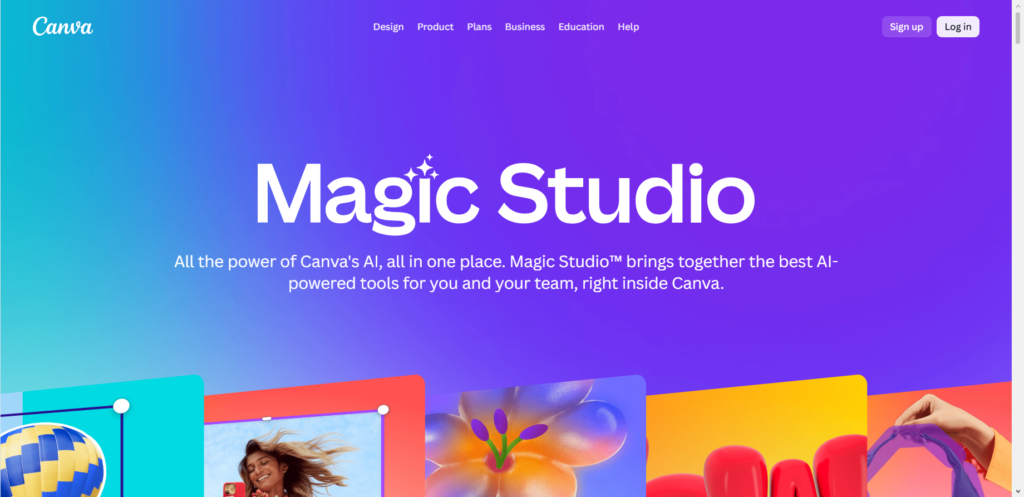
I am not a graphic designer. I have tried to be, but I simply do not have the eye for it. However, as a marketer, I need to create visuals for ads, social media, and thumbnails constantly.
What it does: Canva’s AI tools (Magic Write, Magic Design, and Magic Eraser) let you create professional graphics without hiring a designer.
How I use it:
The feature I rely on most is “Magic Design.” If I upload a photo of a product, Canva’s AI generates a full set of social media templates based on that image. It gives me 10 different layout options instantly. I used to spend 30 minutes trying to figure out the typography for an Instagram post. Now, I pick a template, tweak the text, and I am done in 3 minutes.
If you are managing social media for multiple clients, this tool is non-negotiable. It keeps your turnaround time fast without sacrificing quality.
4. ManyChat (For Customer Engagement)
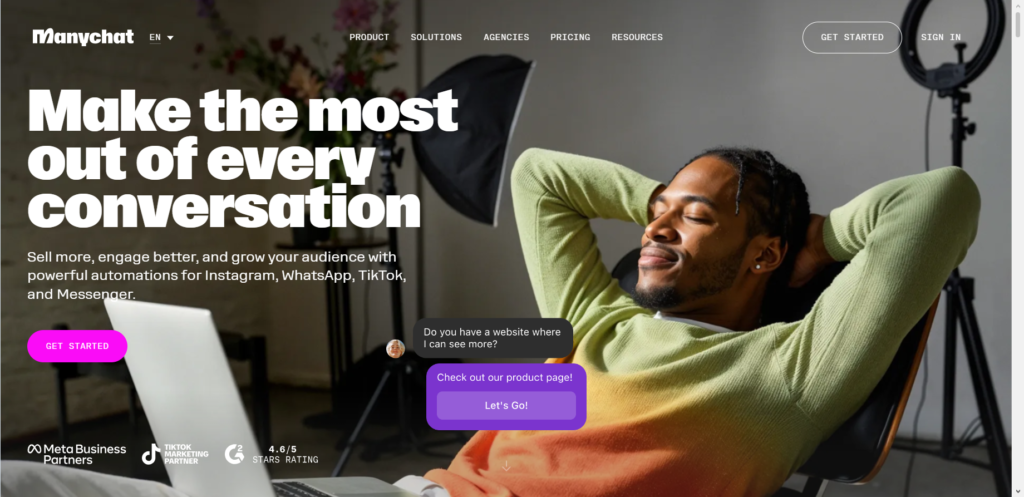
Email is great, but I have found that chat automation is where the real engagement happens right now. People do not want to wait 24 hours for a support email. They want answers instantly.
What it does: ManyChat automates conversations on Instagram, Facebook Messenger, and SMS. You build a flow so that when someone sends a message, the bot replies with helpful information or asks qualifying questions.
How I use it:
I run lead generation ads for a few clients. Instead of sending people to a boring landing page, I send them to a Messenger chat. The ManyChat bot asks them a few questions about their business, and then sends them a free guide. It feels interactive and personal, but it is fully automated.
I also use it for FAQs. If you run an eCommerce store, you get the same questions over and over: “Where is my order?” or “What is your return policy?” You can set up a bot to answer those instantly so you are not interrupting your workday to answer repetitive questions.
A word on ethics: Be honest that it is a bot. Do not try to trick people into thinking they are talking to a human. When they realize it is a bot and you hid it, they lose trust. Just be upfront: “I’m an assistant bot! How can I help?”
5. Surfer SEO (For Optimization)

I have been doing SEO for a long time, so I know the rules. But manually checking headings, word count, and keyword density for every article is tedious. Surfer SEO automates that analysis for me.
What it does: Surfer analyzes the top-ranking pages on Google for your target keyword. It then gives you a brief of exactly what you need to include to compete: how many headings, how many images, what keywords to use, and even the ideal content structure.
How I use it:
I combine Surfer with Jasper or with my own writing. Before I write, I open the Surfer Content Editor. I plug in my keyword, and it tells me the blueprint. As I write, it grades my content in real-time. If my score is low, I know I am missing important points that Google wants to see.
This has helped me rank articles faster. Instead of guessing what Google wants, I let the AI analyze the data so I can just focus on writing the best content.
6. AdEspresso (For Ad Management)
If you run Facebook or Google Ads, you know that constant monitoring is exhausting. You have to check budgets, test headlines, and pause underperforming ads.
What it does: AdEspresso automates A/B testing and ad optimization. You set up multiple variations of your ads, and the tool automatically shifts the budget to the best-performing ones.
How I use it:
When I am running campaigns for clients, I don’t have time to sit in Ads Manager all day. I use AdEspresso to test headlines and images. The AI learns which combination gets the lowest cost-per-click. It automatically pauses the losers and gives more budget to the winners.
This ensures my clients’ money is always being spent on the ad that is working best, without me having to manually check the dashboard every hour.
How to Start Using These Tools Without Getting Overwhelmed
When I first started looking into AI tools, I tried to implement them all at once. That was a mistake. I spent more time setting up the tools than I did actually working.
Here is how I recommend you start:
- Identify your biggest time-waster. Look at your week. What task do you dread? Is it writing captions? Is it formatting reports? Pick that one.
- Choose one tool. Just one. If your time-waster is writing, pick Jasper. If it is data entry, pick Zapier.
- Spend a week learning it. Watch the tutorials. Don’t just set it up and walk away. Learn the features. See how it fits into your flow.
- Scale slowly. Once that one tool is saving you time, add another.
I have seen too many people buy subscriptions to five tools, get confused, and then give up. Slow and steady wins here.
Pricing and Time Investment
Let’s be realistic. Most of these tools cost between $20 and $100 per month. For a freelancer or small business owner, that feels like a lot at first. But I want you to calculate your hourly rate.
If you charge $75/hour for your marketing services, and a $50/month tool saves you 4 hours per month, you are essentially buying back $300 worth of your time for $50. That is a great trade.
The time investment to set these up varies. Something like ManyChat might take a weekend to build the flows. Surfer SEO takes about 20 minutes to learn. Zapier might take a few hours to connect your first automation. Do not rush the setup. A properly built automation runs smoothly for years.
The Ethical Side of AI Automation
I want to address something important. Some people worry that AI is “cheating” or that it makes marketing feel impersonal.
Here is my take: AI is a tool, like a hammer or a laptop. It depends on how you use it.
I never use AI to avoid talking to my audience. I use it to handle the volume so I can talk to my audience.
For example, ManyChat handles the “Where is my tracking number?” questions so I have time to have deep, meaningful conversations with customers about their actual business needs.
Always be transparent. If you are using AI to write content, review it. Make sure it sounds like a human. If you are using a chatbot, tell people it’s a bot. Honesty builds trust, and trust builds sustainable income.
Frequently Asked Questions
Do I need to be technical to use these tools?
No. I am not a coder. I learned Zapier by clicking around and watching YouTube videos. Most of these tools are built for marketers, not engineers. If you can use a spreadsheet and a word processor, you can use these.
Will AI replace my job as a digital marketer?
I do not believe so. AI replaces tasks, not roles. The strategy, the empathy, the understanding of human psychology—that is still on you. The people who will struggle are the ones who refuse to adapt. If you learn to use AI, you will actually become more valuable because you can produce more results in less time.
What is the number one tool you recommend for beginners?
If you are a content creator or run a blog, start with Jasper or Surfer SEO. If you run a service-based business or eCommerce store, start with Zapier to connect your forms and emails. Think about what annoys you the most right now, and start there.
How much time should I expect to save?
In my experience, once you have 2 or 3 automations running smoothly, you can save anywhere from 5 to 15 hours a week. For one of my eCommerce clients, we saved them an entire workday (8 hours) per week just by automating their order processing and customer support FAQs.
Conclusion
After six years in this industry, I have learned that the marketers who last are the ones who don’t burn out. You cannot build a sustainable online income if you are working every hour of the day. It’s not healthy, and eventually, the quality of your work drops.
AI automation is not about taking shortcuts. It’s about being smart with your energy. It’s about using the technology we have available to remove the friction so you can focus on the parts of marketing you actually enjoy—the strategy, the connection, the growth.
I still get excited when I set up a new automation. It feels like hiring a really reliable assistant who works 24/7 and never complains.
I am curious about your journey. What is the one marketing task that you wish you never had to do again?
Let me know in the comments below. I read them all, and I might even use your answer to write a follow-up on how to automate that specific task.
