
If you have tried to grow a YouTube channel recently, you already know the struggle. You sit down to edit a video, and suddenly three hours disappear.
You finally publish something, and then realize you still need to write a title, make a thumbnail, post on social media, and reply to comments. By the time you finish all that, you are too tired to even think about the next video.
This is why 2026 is the year of working smarter, not harder.
YouTube is more competitive than ever. Over 500 hours of video upload every single minute. If you try to do everything manually, you will burn out before you hit your first 1,000 subscribers. But here is the good news: the tools available right now can handle most of the boring, repetitive work for you.
I have spent over six years helping entrepreneurs and freelancers build online income, and I have tested more tools than I can count. Some save you ten minutes. Some save you ten hours. This list focuses on the second kind.
Let me walk you through the exact tools I recommend for 2026 to automate your YouTube channel without losing your personality or quality.
Why Automation Matters More in 2026
People sometimes hear “automation” and think it means robots taking over. That is not what this is about.
Automation in 2026 means you stop wasting time on tasks that do not need your creative energy. Your job as a creator is to have ideas, show up on camera, and connect with people. Everything else—the editing, the keyword research, the posting, the repurposing—can be handled by smart tools.
The creators who win in 2026 are not the ones who work the most hours. They are the ones who systemize their work so they can focus on what actually matters.
The Best Tools for Scripting and Ideas
Every great video starts with a solid plan. But staring at a blank page is painful. These tools help you skip the struggle.
TubeBuddy (Idea Generator)
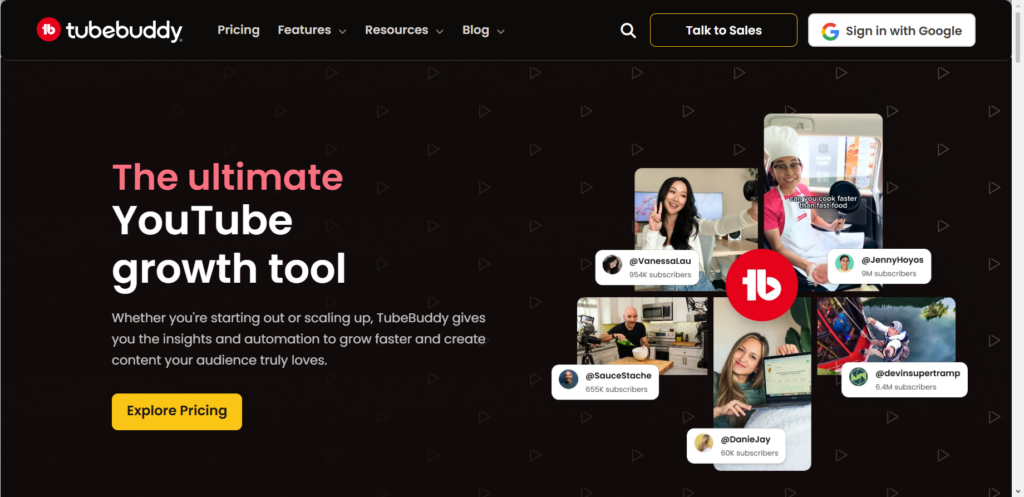
TubeBuddy has been around for years, but their 2026 updates make it essential. The keyword explorer now shows you exactly what people search for but cannot find good videos on yet. You can type in a broad topic, and it shows you the exact questions people ask.
What I use it for: Before I film anything, I check if people actually want this video. It saves me from making content nobody searches for.
ChatGPT Plus (Custom GPTs for Scripts)
Free ChatGPT is fine, but the custom GPTs in the paid version are game changers for 2026. You can create your own “YouTube scriptwriter” that knows your voice, your format, and your audience.
What I use it for: I feed it my rough ideas, and it gives me a structured outline with hooks, main points, and calls to action. I rewrite everything in my own words, but I never start from zero anymore.
The Best Tool for Creating Videos
This is where most people get stuck. Filming feels vulnerable, editing feels overwhelming, and the whole process takes forever.
Pictory

Pictory is the tool I recommend to anyone who hates editing. You can either record yourself or use a script, and Pictory turns it into a full video. It pulls relevant b-roll from stock libraries, adds captions automatically, and lets you make changes with simple text edits.
For 2026, their AI host feature means you do not even need to show your face if you do not want to. You write a script, pick an avatar, and it delivers your message like a human presenter.
What I use it for: Repurposing blog posts into videos. I take an old article, paste the link into Pictory, and get a ready-to-publish video in about ten minutes.
Opus Clip
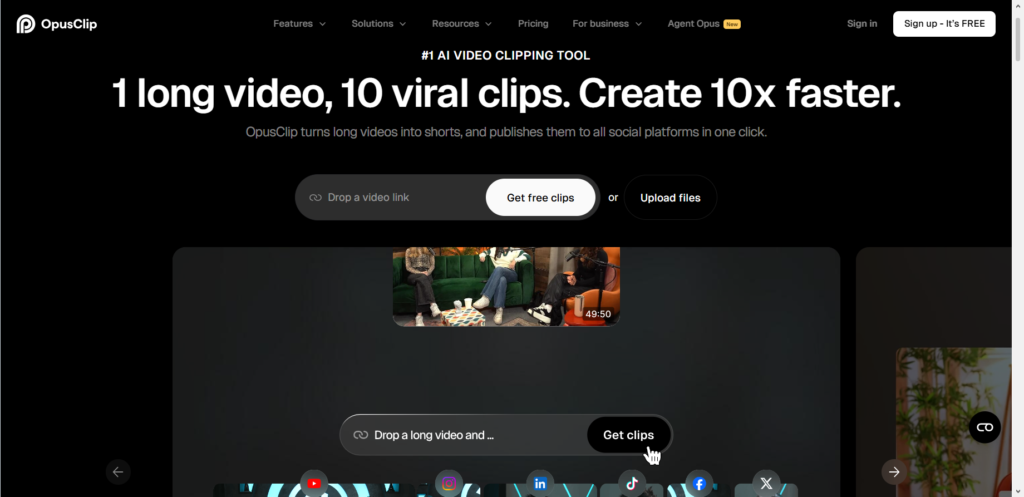
If you already have longer videos, Opus Clip turns them into shorts. It finds the best moments, reframes them for vertical video, and adds captions that actually pop.
What I use it for: Every long video I make becomes at least three shorts. This tool does the clipping automatically while I sleep.
The Best Tools for Thumbnails and Titles
You can make the best video in the world, but if the thumbnail is boring and the title is weak, nobody clicks.
Canva (with Magic Studio)
Canva added so many AI features in the last year that it barely feels like the same tool. Magic Studio lets you generate background images, remove objects, and even extend photos beyond their original borders.
What I use it for: Thumbnails used to take me 30 minutes. Now I tell Canva what kind of thumbnail I want, it gives me three options, and I tweak the one I like. Five minutes max.
VidIQ (Title Optimization)
VidIQ now has a feature that scores your title before you publish. It compares it to what is already ranking and tells you if your title has a chance or if you need to try something different.
What I use it for: I write five title options, paste them into VidIQ, and pick the one with the highest score. Simple math.
The Best Tools for Posting and SEO
Publishing is not the finish line. It is the starting line. These tools make sure your video actually gets seen.
TubeBuddy (Publishing Checklist)
I mentioned TubeBuddy earlier, but it deserves another spot here. Their publishing checklist makes sure you never forget tags, end screens, cards, or descriptions.
What I use it for: I am forgetful. This checklist saves me from uploading a video and realizing an hour later that I forgot to add a link to my website.
Morningfame
Morningfame is designed for small channels trying to grow. It tells you exactly what to do to rank for specific keywords and shows you how your video performs compared to others in your niche.
What I use it for: After I publish, I check Morningfame to see if YouTube is actually showing my video to the right people. If not, I tweak something.
The Best Tools for Repurposing Content
This is the biggest time saver in 2026. One piece of content should become five or ten pieces, not just one.
Repurpose.io
This tool automatically sends your new videos to all your social platforms. You post once on YouTube, and Repurpose.io pushes it to TikTok, Instagram, Facebook, and even podcasts platforms.
What I use it for: I set it up once two years ago, and I have not manually posted a video anywhere else since.
PinGenerator
If you use Pinterest for traffic, PinGenerator is a must. It takes your video and creates multiple pins with different images and descriptions, then schedules them for you.
What I use it for: Pinterest is my second biggest traffic source after YouTube search. This tool keeps my pins flowing without me thinking about it.
The Best Tool for Community Management
Engagement matters more than ever in 2026. YouTube pushes videos that get comments and keep people watching.
YouTube Studio App (Automated Replies)
YouTube finally added smart replies that actually sound like you. When someone comments, the app suggests a reply based on your previous responses.
What I use it for: I still write personal replies to thoughtful comments, but for simple “great video” comments, the automated reply saves me time and still makes the viewer feel acknowledged.
The Tool That Ties Everything Together
Notion (Your Content Hub)
Notion is not specifically a YouTube tool, but it is the brain behind every automated channel. You can build a dashboard that tracks your video ideas, scripts, thumbnails, publishing dates, and analytics all in one place.
What I use it for: I have a template that shows me every stage of every video. When one video publishes, the next one automatically moves into the “filming” column. I never wonder what to work on next.
Common Questions About YouTube Automation
Do these tools cost a lot of money?
Most have free versions that do plenty. I recommend starting free, then upgrading only when a tool saves you more time than the subscription costs.
Will my audience notice I use automation?
No, because you are automating the boring stuff, not the personal connection. Your voice, your face, your ideas—those stay 100 percent you.
Can I really grow a channel if I do not edit myself?
Yes. The tools handle the technical work. You handle being a real person that people want to watch.
What Actually Matters in 2026
Here is the truth. These tools will save you time, but they will not save a boring channel. The creators who win in 2026 are still the ones with something interesting to say and the courage to say it in their own way.
The tools just remove the excuses. They take away the “I do not have time” argument and the “editing is too hard” wall. Now you can focus on what you actually wanted to do in the first place—share your message with people who need to hear it.
So here is my question for you: If you got back ten hours this week from automating the boring parts, what would you do with that time? What kind of content would you make if the technical work only took twenty minutes?
Think about that. Then pick one tool from this list and start there. The rest can wait.
