

When I first started, I made the mistake of signing up for every paid tool that promised to change my business overnight.
Most of them didn’t. What I wish I knew back then was that some of the most powerful automation tools are completely free—you just need to know where to look.
In this post, I’m sharing nine AI automation tools I’ve personally used, tested, and continue to rely on. No trial periods that expire in a week. No “free” plans that are so limited they’re useless. Just solid tools that do real work for you, at no cost.
Let’s get into it.
1. Google Colab
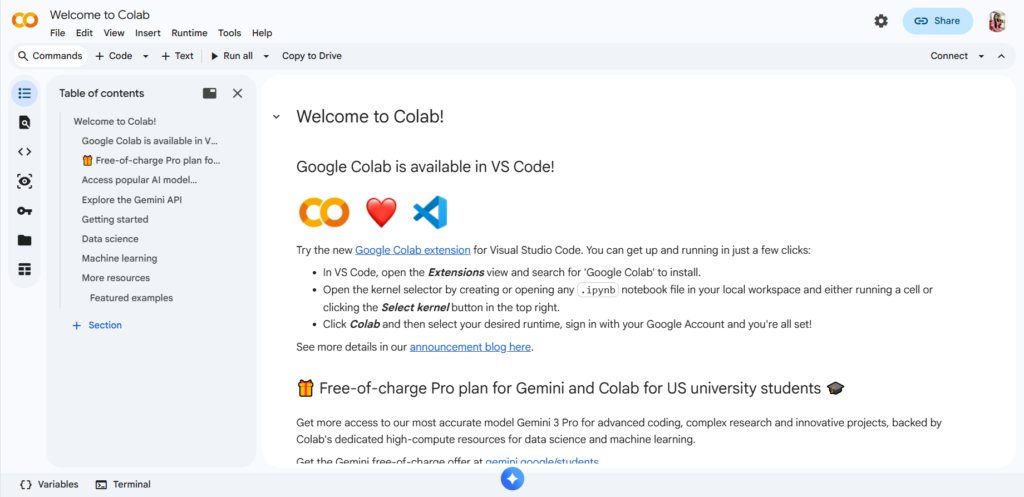
If you’ve ever wanted to run AI models without owning a powerful computer, Google Colab is your answer. It’s a free cloud-based platform where you can run Python code, train small AI models, and automate data tasks.
I use this when I need to process large datasets for client projects. For example, I recently used Colab to run a script that analyzed 10,000 blog headlines and flagged which ones had the highest SEO potential. It took about 20 minutes and cost me nothing.
What it’s good for: Data analysis, running AI scripts, testing automation workflows.
The catch: Free users get limited access to high-powered GPUs, but for most small to medium tasks, it’s more than enough.
2. Zapier (Free Tier)
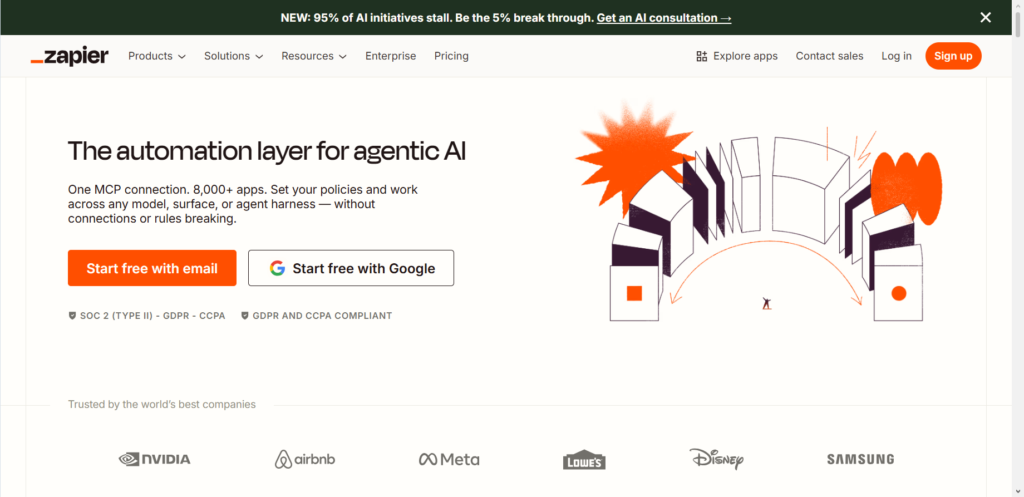
Zapier is one of the most well-known automation tools, and for good reason. The free plan lets you create simple workflows called “Zaps” that connect different apps.
I use it to automate repetitive tasks like saving email attachments to Google Drive or adding new email subscribers to a spreadsheet. It’s not the flashiest tool, but it saves me a few hours every week.
What it’s good for: Connecting apps, automating repetitive tasks, moving data between tools.
The catch: Free tier limits you to single-step automations and a certain number of tasks per month. For basic needs, it works perfectly.
3. Otter.ai
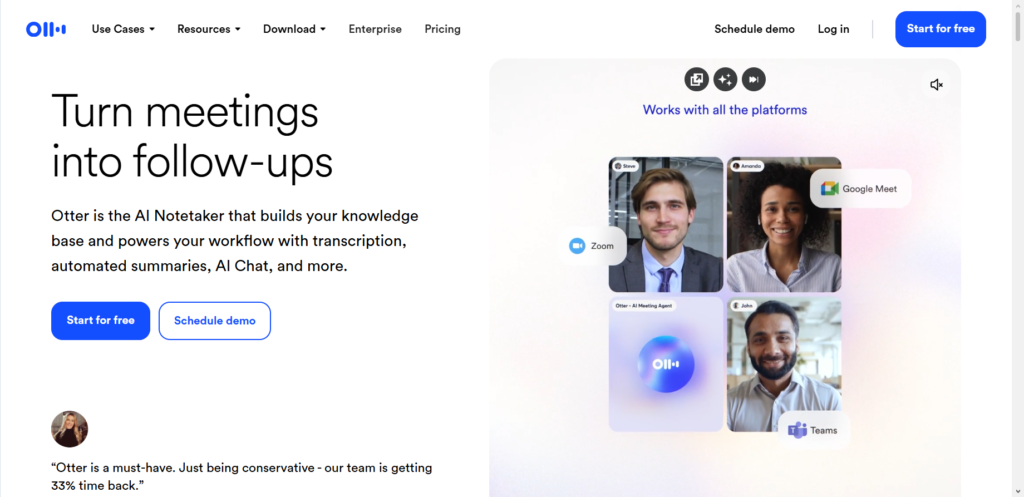
Transcribing meetings used to be one of my biggest time-wasters. I’d spend an hour after every client call typing up notes. Otter.ai changed that.
The free version gives you 300 transcription minutes per month. I use it to record strategy calls, capture action items, and even transcribe my own voice notes when I’m brainstorming.
What it’s good for: Transcribing meetings, capturing notes, saving time on documentation.
The catch: The free plan has a monthly minute limit, but for most solo business owners, it’s plenty.
4. Canva (Free AI Features)
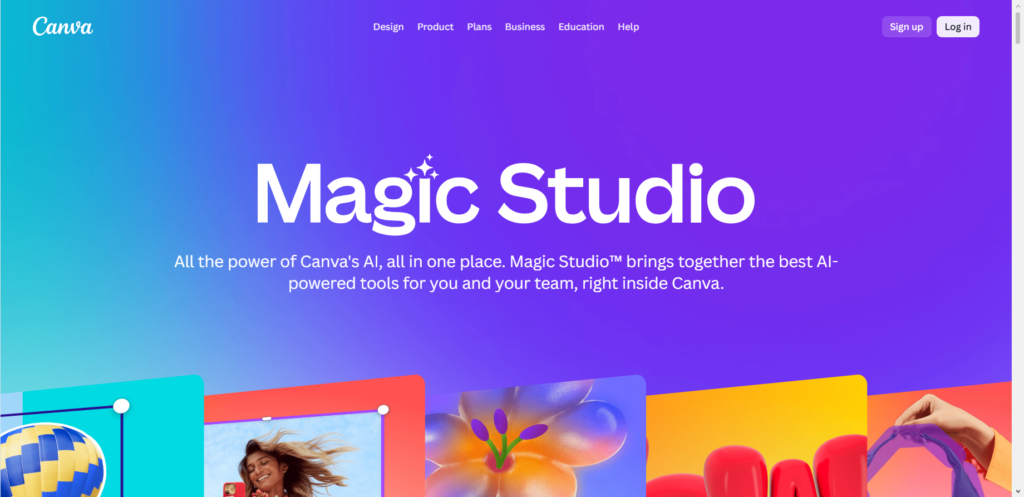
Canva isn’t just a design tool anymore. Over the past year, they’ve added several AI-powered features to their free plan, including Magic Write (AI text generation) and Magic Media (AI image generation).
I’ve used Canva’s AI to create social media graphics for clients without hiring a designer. It’s not going to replace a professional graphic designer, but for basic visuals, it’s more than capable.
What it’s good for: Creating visuals, generating AI images, writing simple copy for graphics.
The catch: Some advanced AI features are locked behind the paid plan, but the free version still offers plenty.
5. ChatGPT (Free Version)
You already know about ChatGPT, but what you might not realize is how much you can automate with the free version when used strategically.
I use it to draft email responses, summarize long articles, brainstorm content ideas, and even write basic code for automation scripts. The key is being specific with your prompts. Instead of asking “write a blog post,” I ask “write a 500-word blog post introduction about AI automation tools for small business owners, using a friendly tone.”
What it’s good for: Writing assistance, brainstorming, summarization, simple coding.
The catch: The free version runs on GPT-3.5, which is still powerful but not as advanced as GPT-4. For most everyday tasks, it’s more than enough.
6. Make (Formerly Integromat)
Make is Zapier’s main competitor, and honestly, its free plan is more generous in some ways. You get 1,000 operations per month, which allows for more complex automations than Zapier’s free tier.
I switched to Make for a client project where I needed to pull data from multiple sources, transform it, and send it to a reporting dashboard. The visual workflow builder made it easy to see exactly what was happening at each step.
What it’s good for: Complex multi-step automations, data transformation, connecting multiple apps.
The catch: There’s a learning curve if you’re new to automation tools. But once you understand the interface, it’s incredibly powerful.
7. HubSpot (Free CRM with AI Features)
HubSpot’s free CRM (customer relationship management) tool now includes some AI-powered features like email sequence automation and lead scoring.
I’ve used this to manage client relationships without paying for expensive CRM software. It tracks emails, logs calls, and automates follow-up tasks. For a freelancer or small business owner, the free plan covers everything you need to stay organized.
What it’s good for: Managing contacts, automating follow-ups, tracking client communication.
The catch: Some advanced automation features require a paid plan, but the free version is surprisingly robust.
8. Toggl Track (With AI-Powered Insights)
Time tracking might not sound like “AI automation,” but Toggl’s free plan includes smart features that help you understand where your time actually goes.
I used this to audit my own workflow last year. What I found shocked me—I was spending nearly eight hours a week on manual data entry tasks that could be automated. That realization pushed me to explore more automation tools and ultimately freed up an entire day each week.
What it’s good for: Tracking time, identifying inefficiencies, understanding your work patterns.
The catch: The AI insights are basic in the free version, but the data alone is valuable.
9. Notion (Free with AI Templates)
Notion is a workspace tool, but what makes it useful for automation is the library of free AI-powered templates. You can find templates that automate everything from content calendars to client onboarding.
I built my entire freelance business operations inside Notion using free templates. My content pipeline, client database, and project trackers all run on automations that took me an afternoon to set up.
What it’s good for: Organizing work, automating workflows with templates, managing projects.
The catch: Notion’s native AI features require a paid add-on, but the free templates from the community are excellent.
How to Actually Start Using These Tools
I’ve seen too many people sign up for free tools and never use them. So let me give you a simple way to start.
Pick one problem in your business that feels repetitive. Maybe it’s transcribing client calls. Maybe it’s moving data from one spreadsheet to another. Maybe it’s writing the same type of email over and over.
Choose one tool from this list that solves that specific problem. Spend one hour setting it up. Use it for a week. Then decide if it’s worth keeping.
You don’t need to implement all nine tools at once. That’s a recipe for overwhelm. Start small, get one automation running smoothly, then add another.
Common Questions About AI Automation Tools
Do I need technical skills to use these?
Most of these tools are designed for non-technical users. Zapier, Make, Canva, and Notion have drag-and-drop interfaces. ChatGPT and Otter.ai require almost no setup. The only tool that might feel technical is Google Colab, but there are plenty of free tutorials that walk you through basic usage.
Are free tools safe to use for client work?
I’ve used all of these for client work without issues. That said, always read the privacy policy if you’re handling sensitive client data. For most marketing, content, and administrative tasks, these tools are perfectly safe.
What if I outgrow the free plan?
That’s actually a good problem to have. It means your business is growing. When you hit the limits of a free tool, you’ll have clear data showing exactly how much time and money the tool saves you, which makes upgrading an easy decision.
Can I combine these tools to build more powerful automations?
Absolutely. In fact, that’s where the real magic happens. I often use Zapier to move data, ChatGPT to process text, and Google Colab to run analysis—all connected in one workflow. Start with simple combinations and build from there.
The Real Cost of Free Tools
There’s something important I want to be honest about.
Free tools have limitations. You might hit usage caps. You won’t get priority customer support. Some advanced features will be locked behind paywalls.
But here’s what I’ve learned after six years of building online income: starting with free tools forces you to be intentional.
When you can’t just throw money at a problem, you actually learn how things work. You understand the logic behind the automation. And that knowledge pays off later when you do upgrade.
I still use free versions of several tools on this list, even though I could afford paid ones. Not because I’m cheap, but because the free versions genuinely meet my needs.
Final Thoughts
AI automation isn’t about replacing human work. It’s about clearing away the repetitive, boring tasks so you can focus on the work that actually matters—the creative work, the strategic work, the work that moves your business forward.
These nine tools have helped me save hundreds of hours over the years. They’ve let me take on more clients without burning out. They’ve made my work more accurate and less stressful.
Now I’m curious: what’s one repetitive task in your business that you’d love to automate? Drop it in the comments—I’d be happy to suggest which tool from this list might help.
