
Google gives away an incredible set of free tools. Most people use them for basic stuff like checking email or finding a recipe. But those same tools can become real income streams if you know where to point them.
I’ve spent years figuring out what actually works and what’s just a waste of time. Below is the honest breakdown.
Why Google Makes Sense for Making Money
Here’s the thing about Google’s products. They’re free to start, they’re stable (not going anywhere), and millions of people already use them every single day. That means you’re not learning some weird new platform that might disappear next month.
The other advantage? Google rewards useful information. Their whole business is built on showing people helpful answers. If you learn to create helpful things using their tools, you’re essentially playing the game with the rules on your side.
1. Google Search Console
Most people think SEO is complicated. It’s not. It’s just understanding what people are actually searching for.
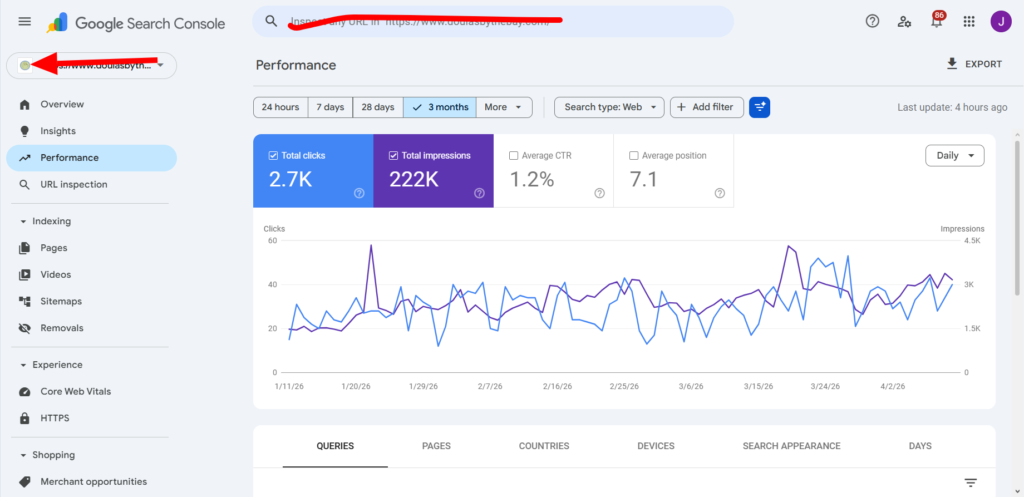
Google Search Console is a free tool that shows you exactly what keywords bring people to your website. But here’s the smart way to use it for making money.
Find the Money Keywords
Log into Search Console. Look at the “Queries” report. You’ll see a list of search terms people used to find your site. Sort by position (higher numbers mean worse ranking). Look for keywords ranking between position 8 and 15.
Those are your low-hanging fruit. With a little work, you can push them onto page one.
Turn That Into Income
Once you know what people want, create content that answers their question completely. Then monetize that content through:
- Affiliate links to products that solve the problem
- Your own digital product (guide, template, checklist)
- Email opt-ins that lead to paid offers
Real example: Someone searching “how to fix a leaking faucet” isn’t looking for a history of plumbing. They want a clear solution. Write that solution. Link to the tools they need on Amazon. Each sale puts money in your pocket.
Google Keyword Planner
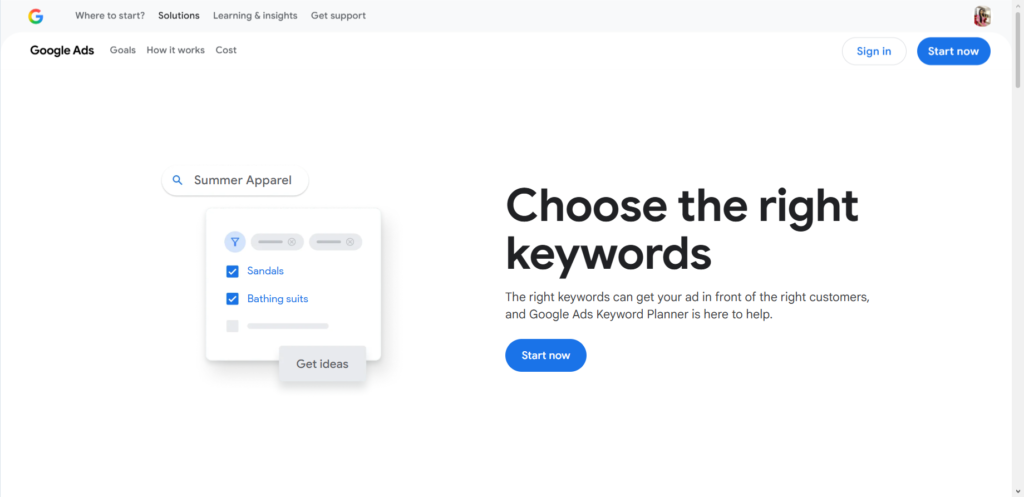
Keyword Planner is technically built for Google Ads users, but you don’t have to spend a dime to get value from it.
What It Actually Shows You
Type in a topic. The tool tells you:
- How many people search for that term each month
- How competitive those searches are
- Related terms you never thought of
The Money Move Here
Most beginners chase keywords with 10,000 monthly searches. That’s a mistake. Those terms are dominated by big brands with massive budgets.
Instead, look for keywords with 100-500 searches per month. Low competition. High intent. These are people ready to buy or take action.
Example: “Best coffee maker for small apartment” has way fewer searches than “coffee maker.” But the person searching the longer phrase is much closer to buying something.
Build content around those specific, lower-volume terms. You’ll rank faster and convert better.
Google Trends
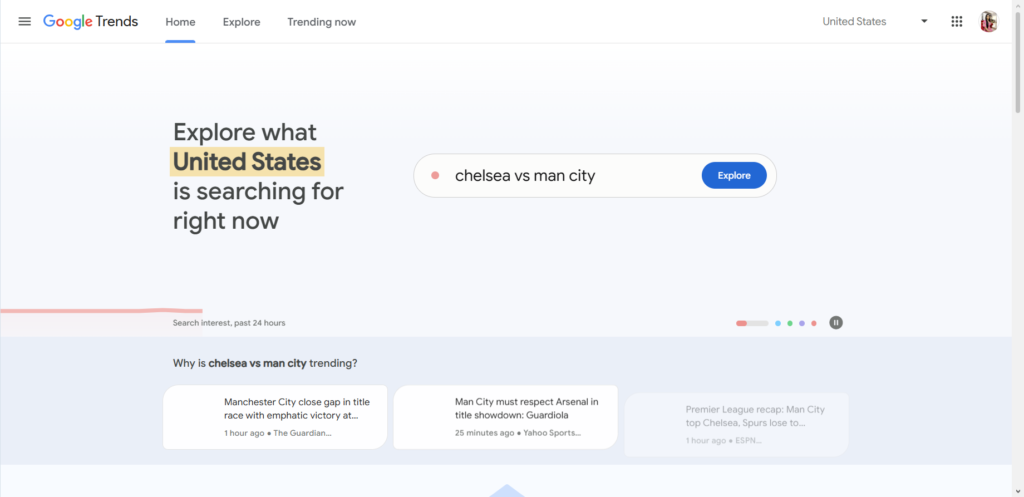
Trends shows you what people are getting curious about right now. Not last year. Not five years ago. Now.
How to Spot Opportunities
Set the filter to “past 7 days” or “past 30 days.” Look for topics with sharp upward lines. These are rising interests.
Now ask yourself: Can I create something useful around this?
Turning Trends Into Cash
When something starts trending, people have questions. They’re searching for explanations, tutorials, recommendations.
If you move quickly, you can be one of the first to provide answers. Early movers get the traffic. Traffic converts to income.
Real example: When a new software tool goes viral, create a “how to use X for beginners” guide within 48 hours. Include affiliate links to related courses or tools. People are desperate for guidance during the early hype phase.
Google Docs + Google Drive: The Silent Money Machine
You already use Google Docs. But are you using it to create products you can sell?
Write Once, Sell Many Times
Here’s a straightforward process:
- Write a guide, checklist, or template in Google Docs
- Format it cleanly (headings, bullet points, simple design)
- Export as PDF
- Sell it on Gumroad, Etsy, or your own simple website
People pay for convenience. They pay for not having to figure things out themselves.
What sells well: Meal planning templates, budget spreadsheets, SEO checklists, social media content calendars, pitch email templates, workout logs.
Pricing That Makes Sense
Start at $7 to $15. That’s an impulse buy price. Most people won’t think twice. Once you have proof that people buy, create a more advanced version for $27 to $47.
I’ve seen simple five-page checklists generate hundreds of dollars in passive income. The key is solving a specific, painful problem.
Google Ads
Organic traffic takes time. Sometimes months. Google Ads lets you skip that waiting period.
When Ads Make Sense
Not every business needs ads. But if you’re selling something with a high enough price tag, ads can work beautifully.
The math is simple. If you spend $1 on ads and make $3 back, you can scale that forever.
Starting Small and Safe
Open a Google Ads account. Set a daily budget of $5 or $10. Target keywords with “buying intent” — phrases that include words like “buy,” “best [product] for,” “vs” (comparisons), or “review.”
Important truth: Your first campaigns will lose money. That’s fine. You’re paying for data. After a few weeks, you’ll know which keywords work and which don’t. Cut the losers. Double the winners.
Never run ads to your homepage. Always send people to a specific page designed to sell one thing.
Google Workspace (Gmail, Calendar, Meet)
Looking professional costs very little with Workspace. For about $6 to $12 per month, you get email at your own domain name (you@yourbusiness.com).
Why This Matters for Making Money
People buy from addresses that look real. Gmail.com addresses scream “hobby.” YourOwnBusiness.com says “I take this seriously.”
Use Calendar and Meet to Close Deals
- Schedule calls with Calendar (no back-and-forth emails)
- Use Meet for free video calls when Zoom hits its time limit
- Set up appointment slots so people can book time with you directly
These small things add up. They save you time. Time is money.
YouTube + Google: The Two-Headed Traffic Machine
YouTube is owned by Google. And Google loves showing YouTube videos in search results.
The Simple Strategy
Create videos that answer specific questions. Embed those videos on relevant blog posts or pages. Google sees the video, sees the written content, and trusts you more.
How to Monetize
- YouTube ads (requires 1,000 subscribers and 4,000 watch hours)
- Affiliate links in video descriptions
- Selling your own products or services
- Driving people to an email list
You don’t need fancy equipment. A smartphone and decent lighting work fine. Focus on being helpful, not flashy.
Real example: A video titled “How to remove red wine stain from carpet (works in 5 minutes)” can rank for years. Link to a specific stain remover product. That video works while you sleep.
Google Business Profile: Local Money Made Simple
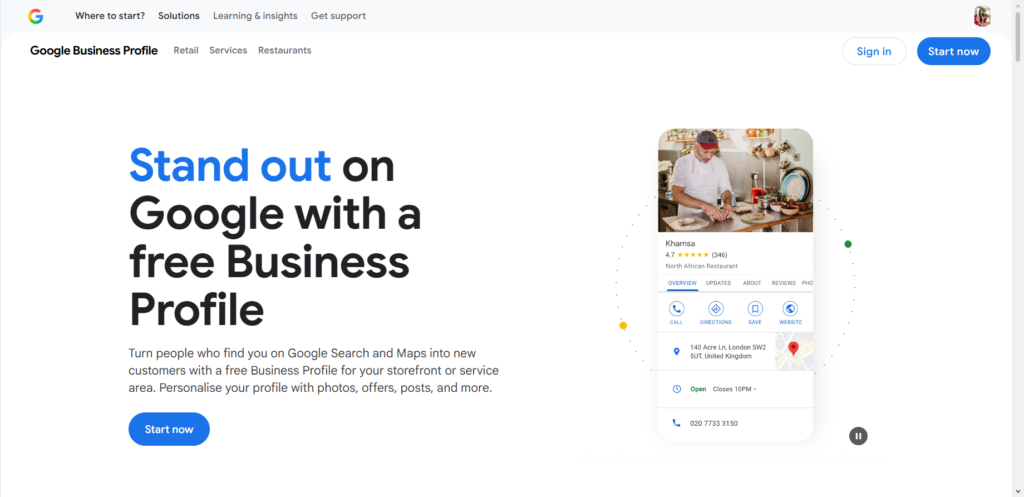
If you offer any local service — dog walking, tutoring, cleaning, photography, handyman work — this is your fastest path to paid customers.
Set It Up Correctly
Create a Google Business Profile. Fill out every single section. Add photos of your work. Choose the right categories.
How Customers Find You
When someone searches “plumber near me” or “yoga classes [your city],” Google shows a map with local businesses. Being on that map is free traffic.
Getting Reviews That Bring Business
Ask every happy customer to leave a review. Reply to every review (good or bad). Businesses with recent, thoughtful responses outrank those that ignore their reviews.
The money comes from being the obvious choice when someone needs help right now.
The Honest Truth About Timeline and Earnings
Let me be real with you. None of this is “get rich by Friday.”
- Month 1-3: Learning the tools, creating your first content or product, probably making zero dollars
- Month 3-6: Small wins. Maybe $100 to $500 per month if you’re consistent
- Month 6-12: Things start clicking. $1,000 to $3,000 per month is realistic
- Year 2: This can scale to full-time income if you keep going
The people who fail are the ones who try something for two weeks, see no results, and quit. The people who win are the ones who pick one method, stick with it for six months, and adjust along the way.
Common Mistakes That Cost People Money
Trying everything at once. You cannot do SEO, YouTube, ads, and product creation simultaneously as a beginner. Pick one channel. Master it. Then add another.
Ignoring the boring stuff. Setting up proper tracking, building an email list, and organizing your files isn’t glamorous. But it’s what separates professionals from hobbyists.
Chasing trends instead of solving problems. Trendy topics die fast. People will always need help with plumbing, cooking, fitness, learning skills, and saving money. Build around permanent problems.
Ethical Guidelines Worth Following
Don’t recommend products you haven’t used. Don’t promise results you can’t deliver. Always tell people when you’re using affiliate links.
The internet is full of people trying to trick others. Being genuinely helpful stands out. It also protects you from angry customers and bad reviews.
If you build trust, you build a business that lasts. If you cut corners, you’ll have to keep finding new people to trick. That’s exhausting.
Frequently Asked Questions
Do I need to spend money to start?
No. Every tool mentioned above has a free version. Google Ads is the only thing that requires spending, and that’s completely optional.
Which method works fastest?
Google Business Profile if you have a local service. You can get customers within days. Google Ads works fast but costs money. Everything else takes months.
Can I do this part time while working a job?
Yes. Most people start exactly that way. Focus on one method. Spend 5-10 hours per week. Be patient.
What if I’m not a good writer?
Use Google Docs voice typing. Speak your ideas. Then clean up the text. Or focus on YouTube instead of written content. Or sell templates that don’t need much writing at all.
How much can I realistically make?
Part-time: $500 to $2,000 per month after 6-12 months. Full-time: $3,000 to $10,000+ per month after 1-2 years. Some people make more. Many make less. It depends entirely on how useful your content or product is.
Your Next Step
Pick one Google product from this list. Not two. Not three. One.
Spend 30 minutes today setting it up or exploring its features. Then spend one hour this week creating something useful with it.
That’s it. That’s the whole secret. Small actions done consistently over time.
What’s the one thing you’re going to try first? Drop a comment below — I’m genuinely curious what caught your attention.
