
Build Funnels, Email Lists & Sell Online With One Free Tool
Create funnels, send emails, and sell online using Systeme.io without paying for multiple tools.
Create Free AccountFree forever • No credit card • Beginner-friendly
If you have ever tried to run a YouTube channel, you know it is a lot of work.
You need ideas for videos. You have to write scripts. You need to record audio, edit out the mistakes, design a thumbnail, write a title that grabs attention, and then post it at the right time. It can take hours to make one single video.
But the way people create content is changing fast.
AI is no longer some futuristic concept. It is a practical tool that is available right now. Smart creators are not using AI to be lazy. They are using it to handle the boring, time-consuming tasks so they can focus on being creative and connecting with their audience.
If you are an entrepreneur, freelancer, or business owner trying to build an online income, you need to work smarter. You cannot afford to spend six hours editing a video when that time could be spent on your business strategy or serving clients.
I have spent over six years testing digital tools and marketing strategies. I have seen what works and what is just hype. Here is my list of the 10 best AI tools for YouTube automation that will save you time and help your channel grow.
1. VidIQ (For Channel Growth & Ideas)
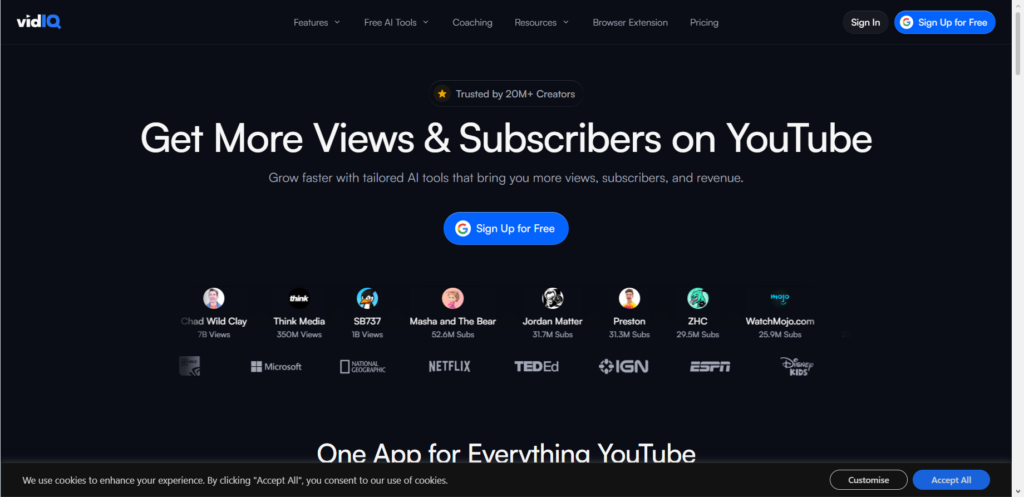
VidIQ is not just an AI tool; it is like having a coach sitting next to you. It helps you find keywords that people are actually searching for. You can type in a topic, and the AI will show you what questions people are asking. It also helps you write descriptions and tags. If you want your videos to be found on Google and YouTube, this is a solid starting point.
2. Pictory (For Short Clips from Long Videos)
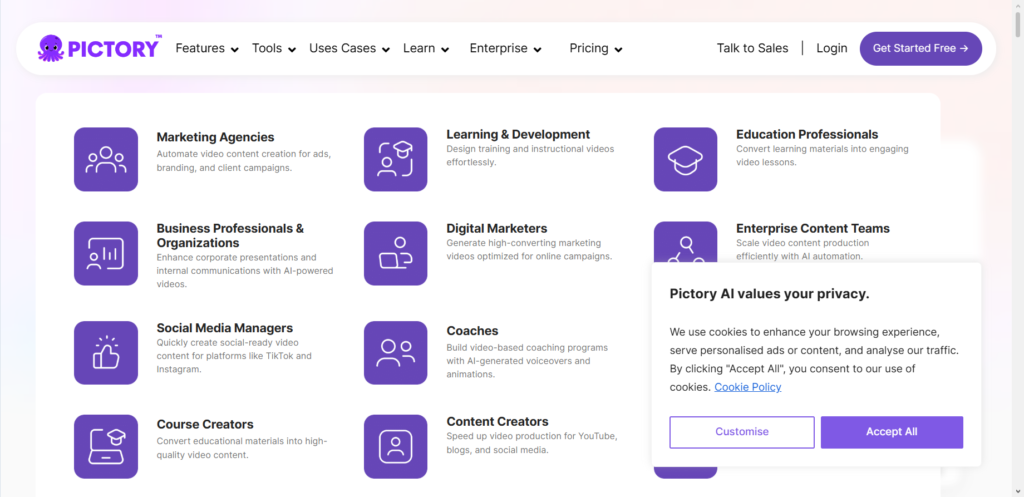
You work hard on a long video. But not everyone wants to watch 20 minutes of content. Pictory uses AI to scan your long videos and pull out the best moments. It turns them into short clips for TikTok, Instagram Reels, or YouTube Shorts. This is perfect for getting more eyes on your content without spending hours editing.
Build Funnels, Email Lists & Sell Online With One Free Tool
Create funnels, send emails, and sell online using Systeme.io without paying for multiple tools.
Create Free AccountFree forever • No credit card • Beginner-friendly
3. TubeBuddy (For Optimization)
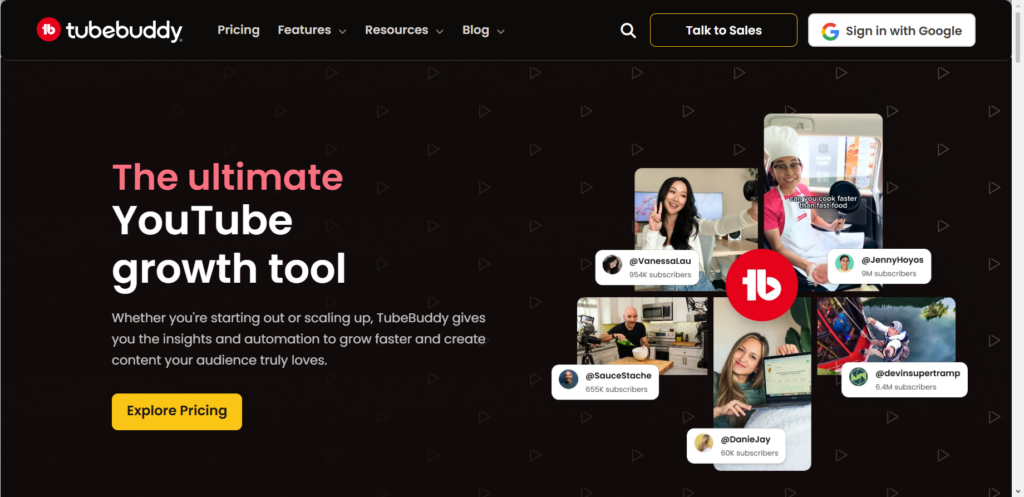
TubeBuddy sits right inside your YouTube account. It helps you with tags, SEO, and even suggests best practices before you hit publish. It has a feature that helps you bulk-update old videos. If you have a backlog of content that needs updating, this tool saves a massive amount of time.
4. Opus Clip (For Viral Highlights)
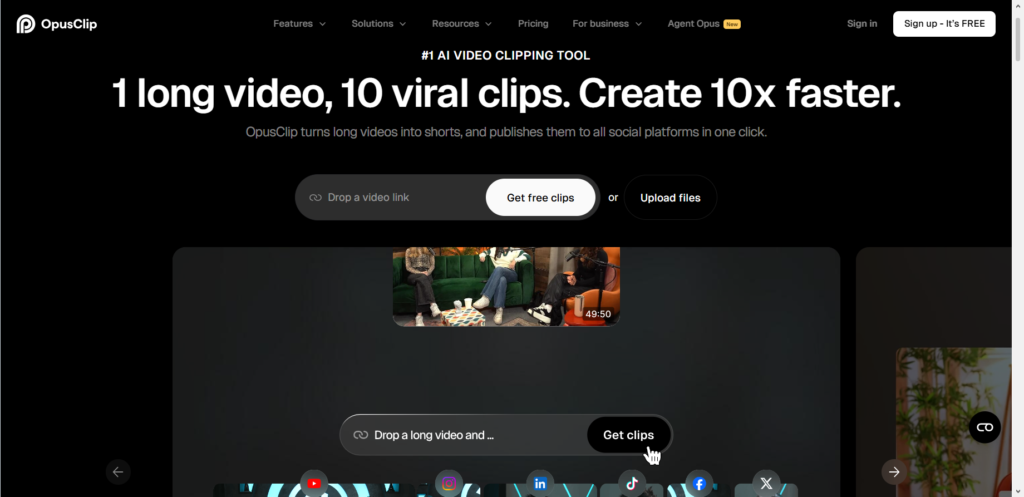
Similar to Pictory, Opus Clip is designed specifically to find “viral” moments. It uses AI to identify the most engaging parts of your video. It even adds automatic captions. Captions are important because many people watch videos with the sound off. This tool makes your content accessible and snackable.
5. Canva (For Thumbnails & Branding)
You might know Canva as a design tool, but their AI features are getting very strong. You can now type a prompt and generate a background for your thumbnail.
You can remove backgrounds with one click. A good thumbnail decides whether someone clicks on your video or scrolls past it. Canva makes this easy, even if you are not a designer.
6. Descript (For Editing Audio & Video)
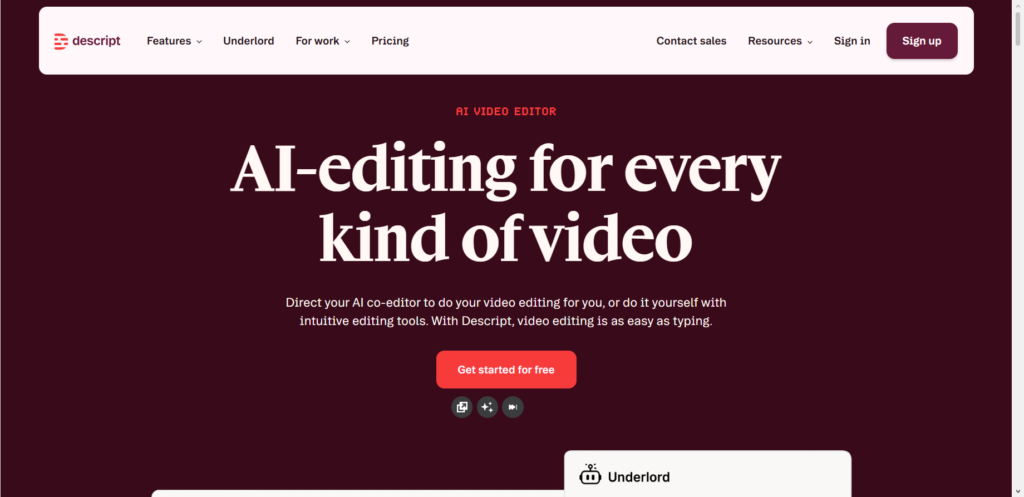
Editing video used to be complicated. Descript changed the game.
You upload your video, and it transcribes everything you said. To edit the video, you simply delete the words in the text.
The video edits itself. You can also remove “umms” and long pauses with one click. It feels like magic, and it cuts editing time in half.
7. ChatGPT (For Scripts & Titles)
You should never copy a script directly from ChatGPT. But it is an excellent brainstorming partner. If you have writer’s block, you can ask it for ten title ideas for a video about “making money online.” You can ask it to summarize a long article into bullet points for your video script. It gives you a foundation to build upon.
8. Riverside.fm (For Recording & Transcription)
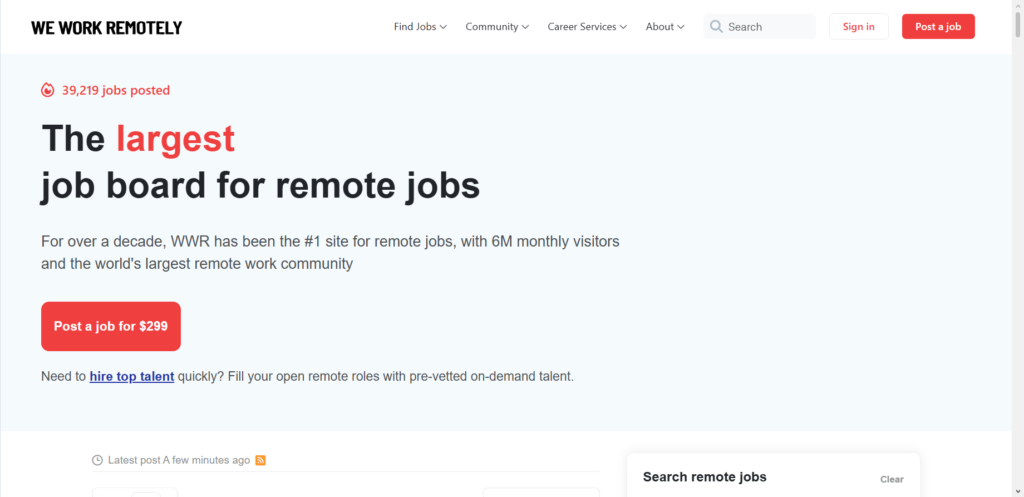
If you interview people for your channel, Riverside is the best tool. It records high-quality audio and video locally on each person’s computer, so the internet connection does not ruin the quality.
But the new AI feature is that it gives you a full written transcript immediately after the call. It can even create short clips and show notes for you.
9. ElevenLabs (For Voiceovers)
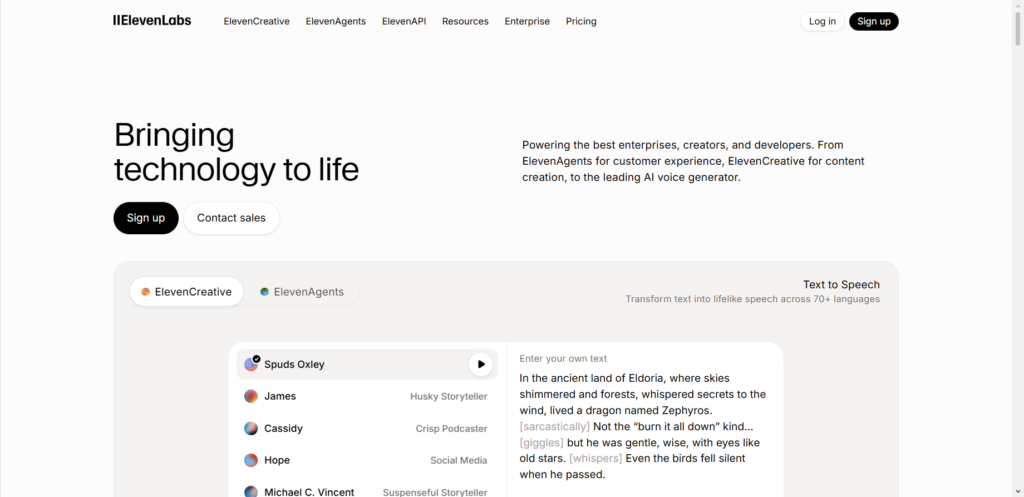
Sometimes you need a voiceover, but you do not want to record your own voice.
Maybe you are sick, or you need a different accent.
ElevenLabs offers the most realistic AI voices I have ever heard. It does not sound like a robot. You can type your script, and it reads it back with real emotion and tone.
10. InVideo (For Automated Video Creation)
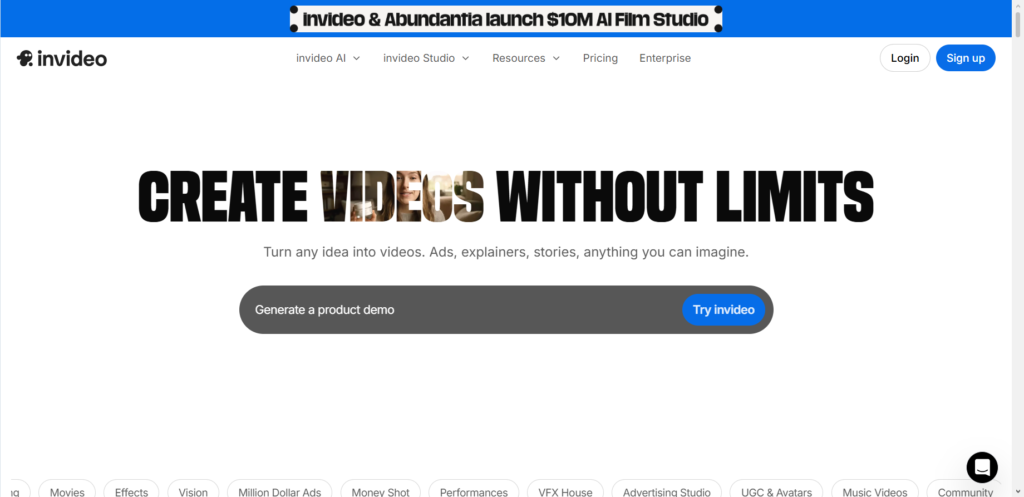
If you want to create a video without ever turning on a camera, InVideo is worth looking at. You give it a topic or a blog post link. It will pull stock footage, add a voiceover, and create a full video for you. It is great for faceless channels or testing new content ideas quickly.
How to Use These Tools the Right Way
It is easy to get excited and try all ten tools at once. That can actually slow you down.
Start with one problem. Ask yourself: What takes the most time in my workflow?
If writing titles takes you an hour, start with ChatGPT.
If editing takes you three hours, start with Descript.
If you are not getting views, start with VidIQ.
Pick one tool, learn it well, and then add another. The goal is to automate the boring parts so you have more energy for the camera.
Frequently Asked Questions
Will AI make my channel look fake?
Only if you let it. Use AI for the behind-the-scenes work. Use your own voice, your own face, and your own opinions for the actual content. People connect with people, not robots.
Do I need to pay for all these tools?
No. Most of these tools have a free version. Start with the free trials or free plans. Upgrade only when the free version cannot do what you need anymore.
Can AI write my whole script?
It can write a script, but it might be generic. Your audience wants your specific take on a topic. Use AI for structure and ideas, but add your stories and personality to make it real.
Is this considered cheating on YouTube?
Not at all. YouTube wants good content that keeps people watching. If AI helps you make better videos faster, the platform is happy. Big companies use expensive editing teams. AI is just a tool that levels the playing field for solo creators.
Conclusion
The barrier to starting a YouTube channel has never been lower.
Ten years ago, you needed a camera crew and expensive software. Today, you need a smartphone and a few AI assistants.
These tools will not build an audience for you. You still need to show up, care about your viewers, and provide value. But they will remove the technical headaches that stop so many people from starting.
Think about your current workflow. If you could save five hours this week, what would you do with that extra time?
Would you finally reply to comments? Would you plan a better strategy? Would you just take a break so you don’t burn out?
The tools are waiting. The only question is: which boring task are you going to automate first?
Build Funnels, Email Lists & Sell Online With One Free Tool
Create funnels, send emails, and sell online using Systeme.io without paying for multiple tools.
Create Free AccountFree forever • No credit card • Beginner-friendly
